Skip to content

Fort Washington / Pennsylvania

Automation for Fort Washington law firms.

When a prospective client contacts your Fort Washington law firm, the important question is not only how they found you. It is what happens next. A form, call, chat or video intake can require entry into a CRM, assignment to the right person, follow-up and, eventually, a case-management handoff. Each transition deserves a defined owner and a measurable next action. Bosseo Automation is built for that operating problem: connecting a first inquiry to the next action while reducing re-entry between systems.

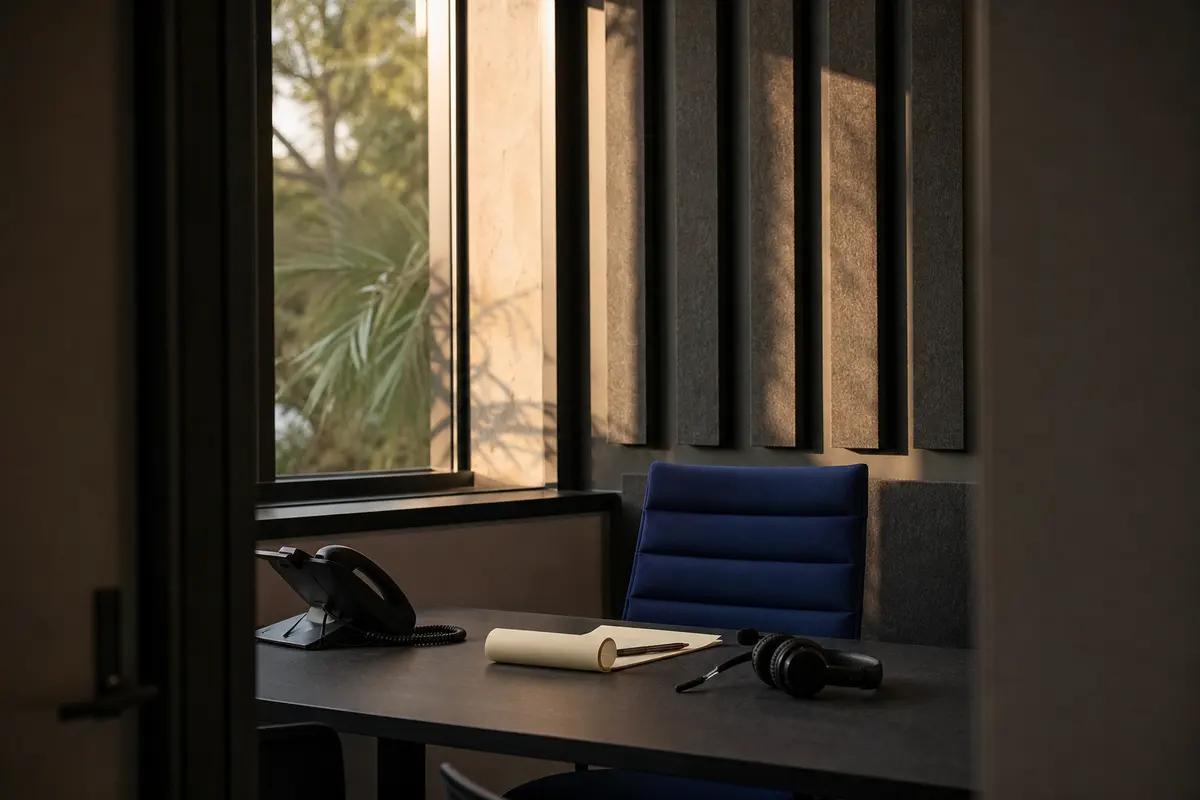
Editorial intake planning scene for Automation in Fort Washington, Pennsylvania

Local analysis

A practical Automation review for Fort Washington firms

Use this decision framework to decide whether Bosseo Automation addresses a real operating gap for your firm. The strongest case is not a broad promise about growth; it is a documented path in which an inquiry can be captured, assigned, followed up and handed off with less avoidable re-entry.

01

Start with Fort Washington’s actual service area

Fort Washington is a census-designated place in Montgomery County, Pennsylvania. The 2020–2024 ACS five-year population estimate for Fort Washington CDP is 6,271, with a margin of error of 644. That is geographic context, not evidence of search demand, call volume, staffing needs, competition or legal-issue prevalence. Your automation design should therefore begin with the geographic scope you actually serve, rather than treating the CDP population as a forecast.

Recommended approach

On a consultation, define whether your intake is intended for Fort Washington alone, Montgomery County, a wider Pennsylvania service area or another stated geography. Then review whether your forms, routing rules and follow-up language distinguish service-area eligibility from a person’s legal issue. Bosseo can review the path from first inquiry to the next action; the firm must decide who it serves and which inquiries it can accept.

02

Trace every first-contact path

Bosseo’s Automation page describes a flow in which a lead can be captured from a form, call, chat or video intake, then logged and tagged with contact details, case type and notes. It describes routing, follow-up, task assignment and calendar booking as parts of the connected workflow. That gives you a concrete basis for examining whether a Fort Washington inquiry arrives through one channel or several and whether each channel reaches the same operational destination.

Recommended approach

List every current entry point and record the next human or system action for each one. Pay particular attention to form-to-inbox, inbox-to-CRM and CRM-to-follow-up transitions. Compare the treatment of an inquiry received during office hours with one received overnight or on a weekend, without assuming either timing pattern occurs at your firm.

03

Set qualification and ownership rules

Automation is useful only when the firm has decided what should happen to different inquiries. Bosseo describes leads being tagged by case type, routed to the right person and paired with a task and deadline. Its public page also describes urgency rules and follow-up sequences by matter type. Those capabilities support a review of qualification and ownership; they do not determine your acceptance criteria, ethical obligations or legal judgment.

Recommended approach

Decide which information is necessary before assignment, which matters need prompt human review and which person or team owns each next step. Use Fort Washington and Montgomery County as explicit service-area questions only if they reflect your firm’s real intake policy. Avoid creating a local rule merely because the firm serves Fort Washington; geographic eligibility and matter qualification are separate decisions.

04

Connect the systems you already use

Bosseo states that Automation can connect a website, intake tools, CRM and case-management platform rather than requiring the firm to replace its existing systems. The public page names Clio, MyCase, Filevine, PracticePanther, Smokeball, Lawmatics and HighLevel, and also describes connections through Zapier and APIs. Whether a specific connection is appropriate depends on your current stack and the data each system can receive.

Recommended approach

Bring your current website, CRM, case-management and calendar setup to the review. Identify where contact details, case type, notes, source, tasks and consultation information currently live. Ask Bosseo to confirm the exact connection path for your systems before treating any workflow as in scope. Keep the decision focused on eliminating avoidable re-entry, not on adding software for its own sake.

05

Design follow-up that stops at the right moment

Bosseo describes instant text-back, scheduled email sequences, reminders and follow-up sequences tailored by case type. It also states that sequences can stop when a lead replies or books. The firm still controls tone, timing, eligibility language and the point at which a person must take over. Automated contact is not a substitute for legal advice or professional judgment.

Recommended approach

For each accepted inquiry path, define the acknowledgement, the next invitation or task, the stop conditions and the human escalation point. Review the wording for Fort Washington and Montgomery County references only where they clarify service area. Measure operational facts such as response time, assignment completion, booked consultations and unanswered tasks rather than assuming automation creates matters or revenue.

06

Measure the handoff, not just the first touch

Bosseo describes every touch being logged, including when a lead arrived, how fast a text went out, who received the task and when a consultation was booked. Its public page also describes an ROI Dashboard and attribution layer. These capabilities can make a workflow more visible; they do not establish your baseline, conversion rate or return before your firm reviews its own records.

Recommended approach

Choose a small set of operational measures that answer the decision in front of you: Was the inquiry captured? Was it tagged correctly? Did the assigned person receive a task? How long did the first response take? Was a consultation booked? Were the records handed off correctly? Segment results by the geographic scope your firm actually serves, including Fort Washington where relevant, without using population as a proxy for demand.

Implementation

A practical consultation for your Fort Washington intake

Bring the current path from first inquiry to next action. Bosseo can review the wiring between your marketing, intake and operations; you decide the firm’s service area, qualification rules, ownership and acceptable communications.

  1. 011. Define the boundary Write down the geographic scope, matter types, intake hours and human escalation points that apply to your firm. Treat Fort Washington CDP, Montgomery County and the broader Pennsylvania market as distinct geographic descriptions; do not combine them without a business reason.
  2. 022. Document the current path For each contact channel, identify the first record created, the person who sees it, the system that stores it, the follow-up action and the point where a matter could enter case management. Note manual re-entry and unclear ownership.
  3. 033. Review the proposed wiring Ask Bosseo to review the exact systems, fields, routing choices, follow-up language, calendar behavior and stop conditions. Confirm what is supported for your stack rather than assuming that a named platform or API connection fits your configuration.
  4. 044. Agree on operational checks Select measures that your team can interpret: capture, tagging, response timing, task assignment, follow-up status, consultation booking and handoff accuracy. Review those measures by relevant service area and matter type, not by population alone.

Questions

Automation in Fort Washington

Will Automation replace our CRM or case-management system?+

Bosseo’s public Automation page describes connecting the systems a firm already uses rather than replacing them. Bring your exact stack to a consultation so the proposed connection path can be confirmed.

Which systems does Bosseo publicly identify?+

The page names Clio, MyCase, Filevine, PracticePanther, Smokeball, Lawmatics and HighLevel, and describes connections through Zapier and APIs. It also says that other platforms may be possible. Exact support should be confirmed for your configuration.

Can we route Fort Washington inquiries separately?+

You can review whether geographic information belongs in your qualification and routing rules. Fort Washington is in Montgomery County, but that fact does not determine your service area or acceptance policy. Those decisions remain with your firm.

What can happen when an inquiry arrives outside office hours?+

Bosseo describes capture, logging, tagging, instant text-back, task assignment and follow-up as parts of its Automation workflow. Your firm must decide the approved message, escalation rules and human response responsibilities.

Can follow-up differ by matter type?+

Bosseo’s public page describes email and SMS sequences written for a firm and tuned by matter type. Review the wording, timing, channels and stop conditions with Bosseo and your firm before implementation.

How should we judge whether automation is working?+

Start with workflow evidence: whether inquiries are captured, tagged, assigned, followed up and handed off correctly, plus response timing and consultation-booking records where applicable. Do not treat Fort Washington’s population estimate as a demand or revenue forecast.

Next step

Connect the next action to the first inquiry

Book a consultation with Bosseo to review your Fort Washington law firm’s intake path, system handoffs, qualification choices, follow-up rules and measurement questions. Bring your real tools and service-area decisions so the discussion can focus on what should happen next.

Book a consultation at calendar.bosseo.com ↗
Sources and scope