Skip to content

Cedar Mill / Oregon

Automation for Cedar Mill law firms.

A new inquiry can arrive through a website form, call, chat or video intake. The operational question is what happens next. Bosseo Automation is designed to connect that first inquiry to the next action: logging information, tagging the matter type, routing ownership, assigning work and supporting follow-up. For a law firm serving Cedar Mill, the useful starting point is not a population-based assumption about demand. Cedar Mill is a census-designated place in Multnomah and Washington counties, with a 2020–2024 ACS 5-year population estimate of 19,471 and a margin of error of 2,015. That geographic context can help define the service area you want to review, but it does not establish lead volume, staffing needs or legal demand.

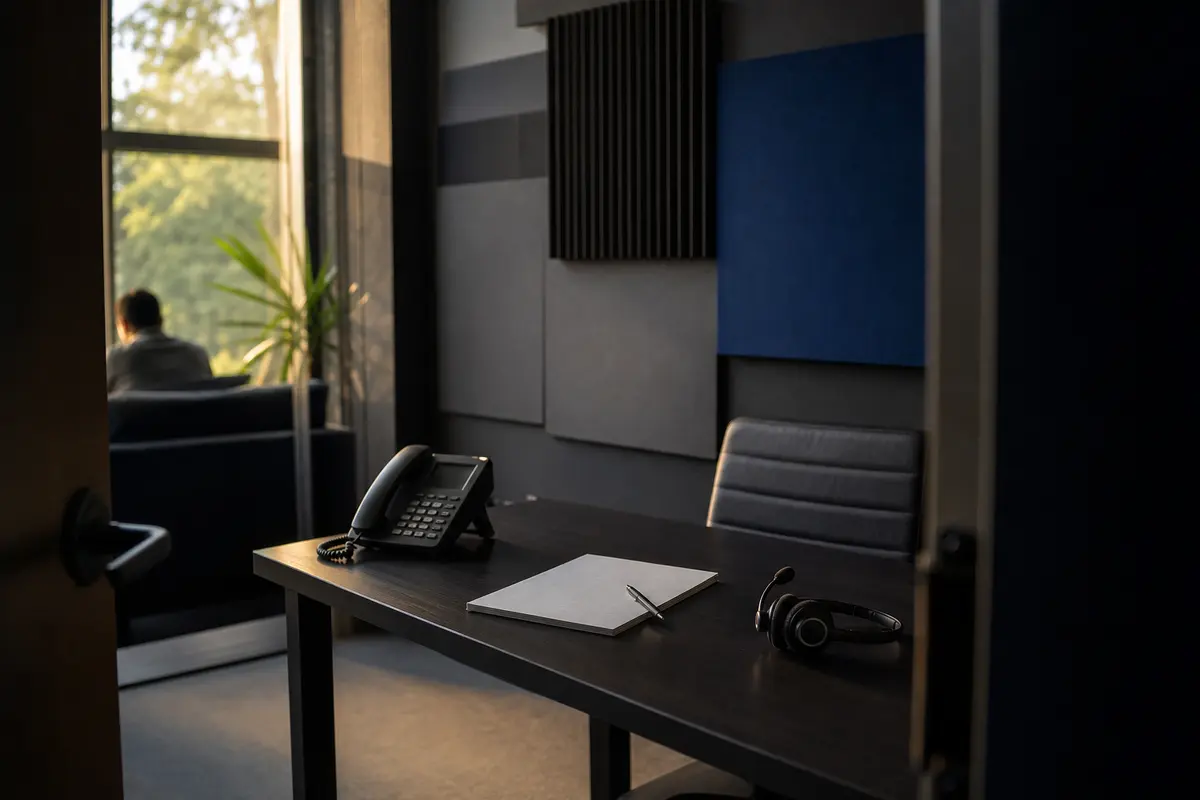
Editorial intake planning scene for Automation in Cedar Mill, Oregon

Local analysis

Use the consultation to examine your actual intake path: where inquiries enter, which systems receive them, who owns the next step, how escalation works and what should be measured. Bosseo describes Automation as a way to connect website, intake, CRM and case-management activity while reducing re-entry.

Evaluate Automation as an operational decision, not as a demographic forecast. A useful review asks five questions: Can the firm see every entry point? Can the right information reach the intended system? Is ownership explicit? Can a person intervene when judgment is required? Can the firm measure what happened without confusing handoff activity with legal outcomes? Cedar Mill’s recorded geography provides a boundary to discuss, while your own intake records must determine the workflow.

01

1. Define Cedar Mill service boundaries before routing inquiries

Cedar Mill CDP is recorded in both Multnomah County and Washington County. That matters when you decide how your firm describes its service area and how an inquiry should be classified. A location field by itself should not decide whether a matter is accepted. Instead, review the geographic questions your intake already asks and determine whether county, municipality, court location, incident location or another fact is relevant to the practice area. Bosseo’s public Automation page describes lead capture, tagging and routing, but the correct fields and decisions depend on your firm.

Recommended approach

Bring your current intake questions to the consultation. Ask Bosseo to show how geographic information could be logged and routed without treating Cedar Mill’s population as evidence of demand or using the place name as a substitute for qualification.

02

2. Connect the first inquiry to the right system

Bosseo describes Automation as a connection between website forms, calls, video intake, a CRM and case management. Its public page says information can be logged and tagged, then passed into systems used by the firm. The practical review is whether your current path begins in an inbox, form tool, CRM or another intake channel, and where duplicate entry occurs. A Cedar Mill-serving firm may receive inquiries associated with either of the CDP’s recorded counties, but that does not determine which system or team member should receive a matter.

Recommended approach

Map each existing entry point and identify the system that should become the working record. Confirm the exact platforms, available connectors and any limits during the consultation rather than assuming a connection exists.

03

3. Set qualification, ownership and escalation rules

Automation is most useful when the next action is explicit. Bosseo’s public description includes tagging by case type, routing, task assignment, deadlines and urgency rules. Those rules should reflect your firm’s judgment: which matters merit immediate human review, which require additional information, who owns an unanswered inquiry and when a supervisor should be notified. Cedar Mill’s relationship to two counties may be one factor to review, but it should not become an automatic eligibility rule unless your firm decides that it is appropriate.

Recommended approach

Write down the decisions your team makes today, including exceptions. Review ownership by practice area, urgency, availability and geography, then ask Bosseo how those decisions could be represented in the proposed workflow.

04

4. Design follow-up that supports—not replaces—legal judgment

Bosseo describes instant text-back, scheduled email sequences and follow-up by case type. Its public page also says staff can step in manually and that sequences can stop when a lead replies or books. For your firm, the key question is not whether every inquiry should receive the same message. It is whether the timing, wording, channel and stopping conditions are appropriate for the inquiry and consistent with your intake practices. No population or county fact can establish that a particular follow-up cadence is suitable.

Recommended approach

Review current acknowledgement and follow-up language with the people who handle intake. Decide which communications are informational, which require human review and which events should pause or end automated contact. Have Bosseo confirm the proposed behavior before implementation.

05

5. Plan accessibility and human handoff

A workflow should make the next action clear without preventing a person from taking over. Bosseo’s public Automation page describes text and email follow-up, task assignment, calendar booking and connections with intake tools. It also describes related services, including Video Intake and AI Answering. Those services should be evaluated separately for fit; Cedar Mill’s population does not prove a need for call coverage, a language preference or a particular intake channel.

Recommended approach

List the ways a prospective client can reach your firm and the points where a human must intervene. Ask how accessibility needs, unanswered questions, urgent matters and requests for a staff member will be handled. Keep channel decisions tied to your observed intake experience and firm policy, not demographic assumptions.

06

6. Measure handoffs without overstating results

Bosseo’s public page describes Lead Attribution and an ROI Dashboard as ways to view the path from marketing activity to lead and matter, while Automation is described as logging events such as lead arrival, routing and follow-up. Measurement should begin with definitions your firm accepts: what counts as an inquiry, a qualified opportunity, a consultation, a retained matter and a completed handoff. Automation does not guarantee crawling, indexing or search visibility, and an operational record does not by itself prove that a matter will be retained.

Recommended approach

Agree on the events you want recorded and who can review them. Compare response-time and handoff records with your own intake outcomes, while keeping marketing visibility, consultation quality and legal representation decisions distinct.

Implementation

Decide whether your intake can support a connected workflow

Use the consultation to examine the path from first inquiry to next action for your Cedar Mill service area. Bosseo’s public booking destination is calendar.bosseo.com.

  1. 01Step 1: Bring the real intake path List every current entry point and show what your staff does after an inquiry arrives. Include inboxes, forms, phone handling, calendars, CRM records and case-management records. Note where information is copied, delayed or manually assigned.
  2. 02Step 2: Decide the rules that require judgment Separate routine routing from decisions that belong to attorneys or trained intake staff. Define the fields, matter types, urgency conditions, geographic questions and escalation points you are prepared to use.
  3. 03Step 3: Review the proposed connections Ask Bosseo to confirm how your current systems could be connected, what information would move between them and where manual review would remain. Confirm the exact stack during the consultation; do not rely on a general platform list as a guarantee for your configuration.
  4. 04Step 4: Establish measurement and review ownership Choose the events your team will inspect, such as arrival, assignment, acknowledgement, consultation booking and later status. Assign responsibility for reviewing exceptions and updating rules when your practice, systems or intake questions change.

Questions

Automation in Cedar Mill

What does Bosseo Automation do for a law firm?+

Bosseo describes Automation as connecting the first inquiry to later operational actions. Its public page describes capturing forms, calls, chat or video intake; logging and tagging information; routing work; supporting follow-up; and connecting CRM and case-management activity. The exact scope depends on your systems and decisions.

Will Automation replace our CRM or case-management system?+

Bosseo’s public page says the service is intended to connect the systems a firm already uses rather than replace them. Confirm your exact platforms, data fields and connection method during the consultation.

Can a Cedar Mill inquiry be routed differently from another inquiry?+

It may be possible to review routing by approved fields such as matter type, urgency or geography, but the appropriate rule depends on your firm. Cedar Mill’s location in Multnomah and Washington counties does not, by itself, establish an eligibility rule or a routing requirement.

Can staff take over after an automated message?+

Bosseo’s public page describes manual staff intervention as part of the workflow. Ask how your team would take ownership, pause follow-up, handle an exception and document the handoff in your specific systems.

Does Automation guarantee more leads or retained matters?+

No conclusion about demand, leads, cases or revenue can be drawn from Cedar Mill’s population. Automation is an operational service, not a guarantee of search visibility, inquiries or retained matters. Define the outcomes you want to measure and review them against your own records.

How should we prepare for a consultation?+

Bring your current intake map, system names, matter-type rules, follow-up messages, escalation decisions and the events you want to measure. Also identify where staff currently re-enter information or decide who owns an inquiry.
Next step

Review your Cedar Mill intake path with Bosseo

Book a consultation to walk through the systems, decisions and handoffs behind your firm’s first response. You can use the discussion to determine whether Bosseo Automation fits your current workflow, what should remain human-led and what information would need to be confirmed before any implementation decision.

Book a consultation at calendar.bosseo.com ↗
Sources and scope