Skip to content

Sicklerville / New Jersey

Custom Software for Sicklerville law firms.

Your firm may not need another general-purpose legal platform. It may need one focused tool that removes a recurring bottleneck: a client status portal, an intake workflow, an internal dashboard or a connection between systems you already use. Bosseo builds custom software around the way a law firm works, then hosts and maintains the resulting tool.

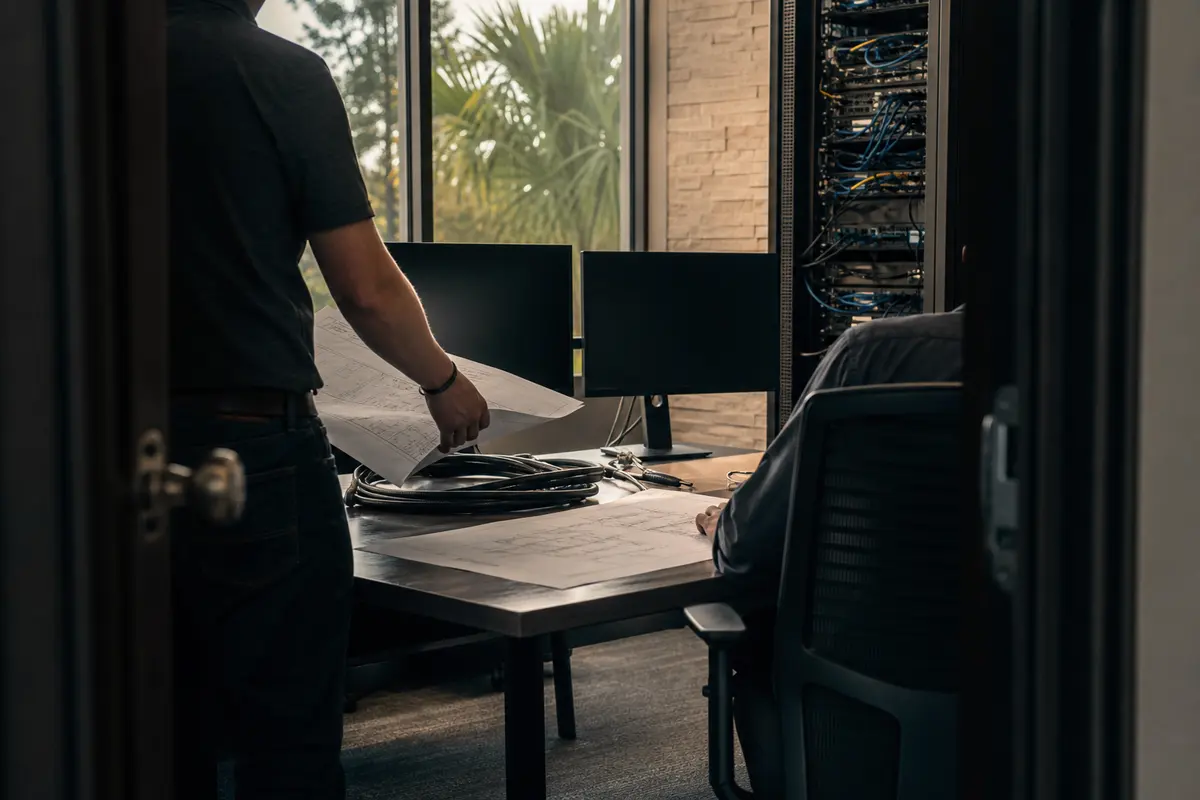
Editorial platform planning scene for Custom Software in Sicklerville, New Jersey

Local analysis

Sicklerville CDP is recorded in Camden County and has a 2020–2024 ACS five-year population estimate of 44,998, with a margin of error of 1,807. That establishes the local service area; it does not establish legal demand, lead volume or revenue. For your firm, the practical question is narrower: which manual process is important enough to justify a purpose-built tool, and how will you judge whether it works?

Use this decision framework to decide whether custom software is appropriate for your firm—not simply whether a tool sounds useful.

01

Start with the bottleneck, not a feature list

Bosseo’s custom software service begins with a firm describing the task that consumes time or creates avoidable handoffs. The public service page gives examples such as client portals, intake tools, internal dashboards, referral tracking and integrations. Those examples are not a promise that every proposed build is appropriate for your firm. A Sicklerville practice serving clients in Camden County should identify the specific workflow that matters across its service area rather than assuming that a local population figure proves a software opportunity.

Recommended approach

Write down one process in operational terms: who starts it, which information is entered, where it waits, who reviews it and what must happen next. Bring that description to a consultation. If the problem is not clear enough to explain without naming a desired feature, clarify the problem before discussing a build.

02

Define reliable data before connecting systems

Custom software can be useful when staff repeatedly re-enter information or move it between tools. Bosseo describes software that can connect with a firm’s website, intake and dashboard, and gives examples involving CRM, case-management, billing and conflict-check workflows. Whether a particular connection is possible depends on the systems, access and data rules involved; no specific integration should be assumed in advance.

Recommended approach

During review, identify the authoritative record for each field, the permitted values, required fields, duplicate-handling rule and exception path. Ask what happens when two systems disagree, an entry is incomplete or a connection is unavailable. Treat data definitions as part of the scope, not as an implementation detail.

03

Make permissions part of the design

A law-firm tool may involve prospective-client information, matter information, referral records or internal operational data. The public Bosseo page describes custom tools, hosting, monitoring, backups, maintenance and security on its managed stack, but it does not provide a detailed permission model for a particular build. Access requirements therefore need to be discussed rather than presumed.

Recommended approach

List the roles that need to view, add, edit, approve or export each category of information. Decide which actions require a record of who made the change. Ask Bosseo to explain how the proposed design handles role separation, administrative access and removal of access when responsibilities change.

04

Test recovery and operational ownership

Bosseo states that it hosts and maintains custom software on dedicated servers and describes monitoring and backups as part of its hosted stack. The public page does not state a particular recovery time, recovery point, retention period or incident procedure. Those are material decisions for a firm that would depend on a custom tool.

Recommended approach

Ask what is backed up, how restoration is tested, who is contacted during an interruption and how access to data is handled if the relationship ends. Put agreed recovery expectations and ownership responsibilities into the scope before relying on the tool for a critical process.

05

Connect the tool to the firm’s actual workflow

The service is positioned as an alternative to forcing a firm into generic legal software. Bosseo says its team can design, build, ship, host and maintain a tool, and that a working version is shown early for feedback. The value is not the number of screens; it is whether the software fits the steps your staff already performs and removes unnecessary work.

Recommended approach

Map the handoff from the first event to the final action. Include intake, review, assignment, escalation, follow-up and exception handling where relevant. Ask to see the proposed workflow in a working version and test it with the people who will use it, not only with the person who requested it.

06

Set acceptance criteria before approval

Bosseo describes scoped design and build, early working versions, onboarding and iteration after launch. It does not publish a universal feature set, delivery schedule, price or performance guarantee for every custom project. A sound decision therefore depends on criteria specific to your firm rather than a generic promise.

Recommended approach

Define what must be true for acceptance: the correct user can complete the required task, the right data is recorded, exceptions are visible, permissions behave as intended, and the firm can recover or escalate when something fails. Separate required behavior from later enhancements and ask how each item will be reviewed.

Implementation

A practical custom-software decision framework

Review each question with the person who owns the workflow and the staff who perform it. A “no” may indicate that the process needs clarification before it needs software.

  1. 011. Bring one process to the conversation Choose the task that is repeated, delayed, duplicated or difficult to supervise. Describe the current behavior plainly. A sentence such as “staff re-enter the same consultation information” is more useful than beginning with a request for a particular app.
  2. 022. Establish the rules around the data Identify the record of authority, required fields, user roles, review points, retention questions and failure cases. If the tool would touch client or prospective-client information, make access and administrative responsibilities explicit.
  3. 033. Review the proposed behavior Ask how the tool will fit your firm’s existing website, intake or dashboard where relevant. Review the working version with the people who perform the work. Check normal cases, incomplete information, duplicates and unavailable connections.
  4. 044. Decide using written criteria Compare the proposed scope with the bottleneck, the information risk and the staff’s ability to use the tool. Confirm the investment, hosting, maintenance, onboarding, recovery expectations and acceptance criteria before approving work.

Questions

Custom Software in Sicklerville

What kinds of custom software can Bosseo discuss with a law firm?+

Bosseo’s public service page gives examples including client status portals, intake tools, internal dashboards, referral trackers, document intake flows, calculators and integrations between existing systems. The appropriate build depends on your firm’s bottleneck and a feasibility review.

Do I need a technical requirements document before speaking with Bosseo?+

Bosseo says you can describe the annoyance in plain English and that its team will ask questions, scope the build and play it back before work begins. You should still bring the current workflow, users, data involved and failure cases so the discussion is concrete.

Can Bosseo connect a custom tool to my current systems?+

Bosseo describes custom tools connected to a firm’s website, intake and dashboard, and gives examples involving CRM, case management, billing and conflict checks. A particular connection must be reviewed for feasibility, access, data definitions and permissions; it should not be assumed from the example.

Who hosts and maintains the software?+

Bosseo states that it hosts and maintains the tools it builds on its dedicated servers and describes monitoring, backups, updates, fixes and improvements. Ask about the specific recovery, access, security and operating responsibilities for your proposed tool.

How should our firm evaluate whether the build is ready?+

Set acceptance criteria before approval. Test the required workflow with intended users, verify the data and permissions, review exception handling and confirm how support, recovery and future changes will work. Do not rely on a generic feature list.

What should a Sicklerville law firm bring to the consultation?+

Bring one manual process, the systems involved, the staff roles, examples of exceptions, the information that must be protected and the result the firm needs from the workflow. Sicklerville is a CDP in Camden County; its population estimate provides geographic context, not proof of demand or a required software scope.
Next step

Bring your Sicklerville firm’s bottleneck to Bosseo

Book a consultation to describe the manual process, review whether custom software fits it and discuss data definitions, permissions, recovery, integrations and acceptance criteria. Bosseo’s public page directs prospective clients to its booking destination at calendar.bosseo.com. A consultation is the right place to confirm feasibility, scope, investment and operating responsibilities for your firm.

Book a Custom Software Consultation ↗
Sources and scope