Skip to content

Florence / New Jersey

Video Intake for Florence law firms.

A visitor who reaches your Florence law firm website may not know which details matter, whether the firm handles the issue or what to do next. Bosseo Video Intake replaces a blank contact form with a guided video survey that helps visitors explain what they need. The flow can be organized around your practice areas and reviewed for qualification, ownership, escalation, accessibility, follow-up and measurement.

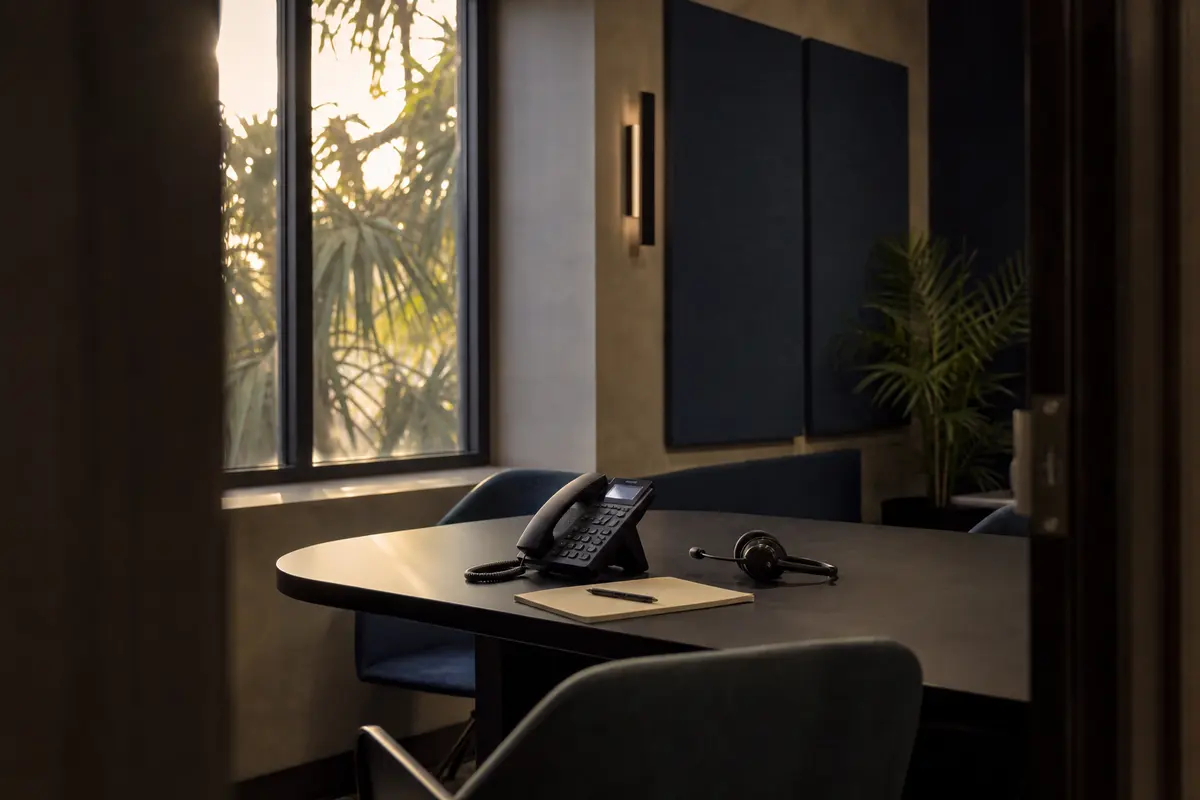
Editorial intake planning scene for Video Intake in Florence, New Jersey

Local analysis

A practical Video Intake review for Florence firms

A Florence law firm can evaluate Video Intake with four questions: Does the experience help the right visitor explain the issue? Does it identify the information your team needs? Does each outcome have a clear owner? Can the firm review what happened without treating population or intake completion as proof of legal demand or financial performance?

01

1. Start with Florence’s actual service boundary

The U.S. Census Bureau records Florence township as a municipal-town in Burlington County, New Jersey. Its 2020–2024 ACS five-year population estimate is 12,935, with a margin of error of 27. That is geographic and population context—not proof of legal demand, search behavior, competition, lead volume or staffing requirements. Your firm may serve Florence, the rest of Burlington County or a broader New Jersey area, so the intake should reflect the territory and matter types you actually accept.

Recommended approach

Define the intake’s service boundary before choosing questions. Decide whether the visitor should identify a Florence matter, a Burlington County matter, another New Jersey location or a location your firm does not serve. Treat this as an eligibility and routing decision, not as a population-based forecast.

02

2. Replace the blank form with a guided explanation

Bosseo describes Video Intake as a website-based guided video survey. Visitors answer one question at a time, and the flow can be built around practice areas and case types. That structure gives your firm a way to request the facts that matter before a team member begins a screening conversation. It also gives a hesitant visitor a clearer next action than an empty “tell us about your case” box.

Recommended approach

Review the first screen, the invitation to begin and the language used for visitors who are unsure whether they have a case. Keep the path focused on explanation and next steps. Do not use the intake to imply that submitting information creates an attorney-client relationship or guarantees representation unless your firm has approved that wording.

03

3. Make qualification specific to your practice areas

Bosseo says the survey can use a separate question path for each practice area and can be weighted toward the work a firm wants to grow. The public product description also identifies case type, urgency and fit as qualification topics. Those capabilities make the question design a firm decision: a Florence visitor with one legal issue should not be forced through questions intended for an unrelated matter.

Recommended approach

List the practice areas you want the intake to recognize. For each one, identify the minimum facts needed to determine fit, urgency, location and ownership. Decide which answers require immediate human review, which can receive a routine follow-up and which should be declined or redirected with approved language.

04

4. Route ownership and escalation deliberately

Bosseo describes completed inquiries as arriving with answers attached and being tagged by case type. Its public page also describes delivery to a team inbox and, when paired with Bosseo Automation, movement into a CRM or case-management system. The available public description does not establish which systems your firm uses or which routing rules are appropriate for your matters.

Recommended approach

During review, map each answer category to an owner: a person, queue or approved next step. Establish what happens when a visitor reports an urgent deadline, an active court date, an opposing party, a conflict concern or a location outside the firm’s scope. Confirm the destinations and escalation rules before publishing the flow.

05

5. Design for mobile access and accessibility review

Bosseo’s public description says the Video Intake widget is designed mobile-first and can be embedded on an existing website. A mobile layout does not, by itself, establish that every visitor can use the experience or that the content meets your firm’s accessibility requirements. Video, audio, text, controls and timing all deserve review from the people responsible for the website and client intake.

Recommended approach

Test the Florence intake on the devices and browsers your firm expects visitors to use. Review captions or equivalent text support, keyboard operation, readable instructions, error recovery, pause and restart behavior, and a non-video contact option if your firm requires one. Ask Bosseo which accessibility controls are available before selecting the final experience.

06

6. Measure completion without confusing it with case value

Bosseo offers measurement services and describes Video Intake as a way to qualify website inquiries. The public product text does not establish a result for your firm, a conversion rate, a number of signed matters or revenue. Google’s guidance says automation does not guarantee crawling, indexing or search visibility; those search considerations are separate from whether an intake path works for your visitors.

Recommended approach

Agree on the events your firm can responsibly review: intake starts, completed submissions, case-type distribution, routing outcomes, response time and the disposition recorded by your team. Separate these operational measures from retained matters and revenue. Review results by practice area and service boundary rather than treating Florence’s population as a performance target.

Implementation

What to bring to a Bosseo review

A useful consultation starts with your firm’s actual boundaries and decisions, not a population estimate. Bring the practice areas you accept, the locations you serve, the current intake path, the people who review inquiries and the systems where follow-up occurs.

  1. 011. Set acceptance rules Write down the locations, practice areas, urgency signals and matter characteristics that determine whether an inquiry belongs with your firm. Keep Florence and Burlington County references aligned with your actual service area.
  2. 022. Approve the visitor experience Review the opening explanation, questions, video presentation, consent language, privacy language, accessibility considerations and fallback contact option with the people responsible for legal operations and the website.
  3. 033. Confirm delivery and ownership Decide where completed inquiries go, who sees each case type, how urgent matters are escalated and what follow-up is approved. Confirm any CRM, case-management or automation connection with Bosseo rather than assuming compatibility or configuration.
  4. 044. Review operational evidence After implementation, compare starts, completions, routing outcomes, response handling and matter dispositions. Change questions only when the firm can identify the problem they are intended to solve.

Questions

Video Intake in Florence

What is Bosseo Video Intake?+

Bosseo describes it as a guided video survey that lives on a law firm’s website. Visitors answer questions one at a time, with the flow organized around practice areas and case types, so the firm can review the inquiry before the next conversation.

Can the intake cover Florence and the rest of Burlington County?+

It can be reviewed around the geographic boundaries your firm accepts. Florence is recorded in Burlington County, New Jersey. Your firm should decide whether it serves only Florence, all of Burlington County, a broader New Jersey area or another defined territory before the questions and routing are finalized.

Can our firm choose the questions?+

Bosseo’s public description says flows are built with the firm, practice area by practice area. The exact questions, required answers, escalation rules and legal notices should be approved by your firm before publication.

Where do completed intakes go?+

Bosseo says completed inquiries can arrive with answers attached and be delivered to a team inbox. Its public page also describes CRM and case-management delivery when paired with Bosseo Automation. Your firm should confirm the specific destination, supported connection and ownership rules during the consultation.

Does Video Intake replace a lawyer or an intake professional?+

The product is described as a qualification and delivery experience for website visitors. It does not make legal judgments, create an attorney-client relationship or replace your firm’s responsibility for reviewing inquiries and communicating approved next steps.

How should we judge whether it is working?+

Review intake starts, completions, case-type distribution, escalation handling, response time and recorded disposition. Later, your firm may compare those records with consultations, accepted matters and other outcomes it can substantiate. No particular conversion, case or revenue result should be assumed.
Next step

Review Video Intake for your Florence firm

Book a consultation with Bosseo to examine your practice areas, Florence and Burlington County service boundaries, question paths, escalation rules, website placement and follow-up destinations. The discussion can help you decide whether a guided video intake fits the way your firm evaluates website inquiries.

Book a Video Intake consultation ↗
Sources and scope