Skip to content

Ste. Genevieve / Missouri

Video Intake for Ste. Genevieve law firms.

A visitor who reaches your Ste. Genevieve law firm website may not know whether they have a case, what information matters, or whether to call. Video Intake replaces a blank contact form with a guided video survey. Visitors answer questions one at a time, while your firm evaluates case type, urgency and fit before the inquiry reaches your team. For a firm serving Ste. Genevieve city and Ste. Genevieve County, the right decision is not to assume demand from population. It is to define which inquiries you want to evaluate, how they should be handled and what the completed intake should contain.

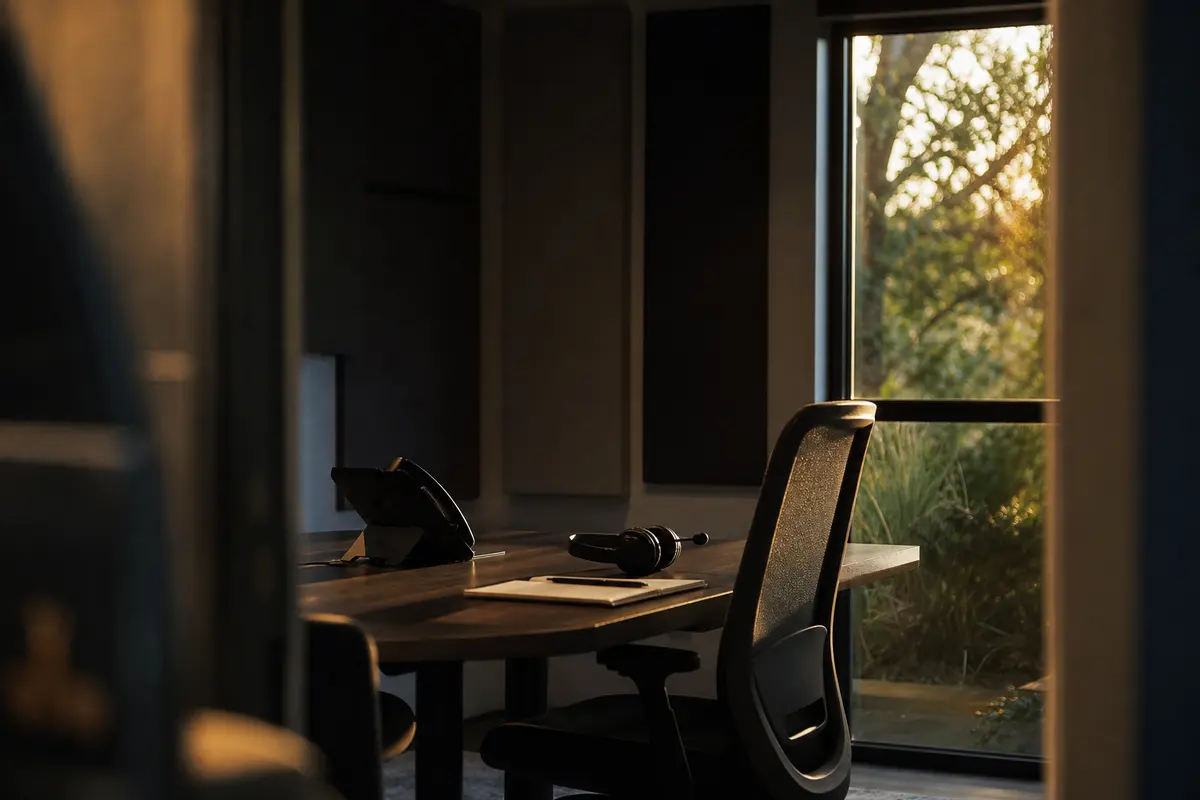
Editorial intake planning scene for Video Intake in Ste. Genevieve, Missouri

Local analysis

A practical Video Intake review for Ste. Genevieve firms

Use this decision framework to decide whether Video Intake fits your Ste. Genevieve law firm. First, confirm that the firm wants a structured website intake rather than only a general contact form. Next, determine whether your practice areas have distinct qualification questions and whether someone can review completed inquiries. Then confirm the geographic boundary, escalation rules, accessibility expectations and destination systems. Finally, agree on how the firm will judge usefulness. A sound decision does not depend on the city population alone or on an assumed conversion result.

01

1. Start with the geography your firm actually serves

The U.S. Census Bureau records Ste. Genevieve city as a municipality in Ste. Genevieve County. Its 2020–2024 ACS five-year population estimate is 5,010, with a margin of error of 43. That figure describes the city’s population; it does not establish legal demand, website traffic, case volume, competition or a need for a particular intake channel. It also does not describe the whole county or every community your firm may serve. Video Intake should therefore reflect your actual service boundary rather than treating a city population as a forecast.

Recommended approach

Write down the locations your firm accepts matters from and the locations it does not. Use that boundary when deciding whether the intake should ask about location, route inquiries for review or present a clear next step for a visitor who is outside your scope. Review city and county handling separately if your practice serves both.

02

2. Build a separate path for each practice area

Bosseo describes Video Intake as a guided survey built around a firm’s practice areas. The public page states that each practice area can have its own flow and that the survey captures information such as case type, urgency and fit. A general “tell us about your case” box gives your team less structure to review. A practice-area path can instead ask questions relevant to the matter the visitor selects.

Recommended approach

List the practice areas you want the website to present, then identify the first answers your team needs before deciding whether to contact the visitor. Keep the path focused on intake and qualification. Do not ask for more sensitive or detailed information than your firm needs at this stage, and decide how an uncertain answer should be reviewed rather than automatically accepted or rejected.

03

3. Decide who owns every completed inquiry

The public Video Intake page says completed inquiries can arrive with answers attached and can be tagged by case type. It also describes instant delivery and routing, with connections to an inbox, CRM and case-management system as part of the product description. The operational question for your firm is not simply whether an inquiry arrives; it is who reviews it, who decides the next step and what happens when the usual owner is unavailable.

Recommended approach

Assign an owner for each practice-area path and a backup review method. Define what counts as an inquiry requiring prompt human attention, what should be placed in a follow-up queue and what should be declined or redirected. Confirm the destination systems and routing scope during a Bosseo consultation instead of assuming every destination or workflow is configured for your firm.

04

4. Test accessibility and mobile completion before launch

Bosseo’s public page describes the widget as mobile-first and delivered with video. That makes the visitor experience a central implementation decision: people must be able to understand the invitation, answer each question and reach an appropriate next step. The page does not establish your audience’s device mix, accessibility needs or language preferences, so those should not be inferred from Ste. Genevieve’s population.

Recommended approach

Review the experience on the phones and computers your clients use. Check readable text, clear controls, captions or equivalent understanding support where appropriate, keyboard and assistive-technology considerations, and a non-video contact route if your firm decides one is necessary. Ask Bosseo which accessibility controls and alternatives are available before approving the final experience.

05

5. Keep qualification distinct from legal advice

Video Intake is presented as a way to qualify website inquiries by case type, urgency and fit before they reach the team. Qualification is not the same as deciding the merits of a matter or giving legal advice. A visitor may describe a situation incompletely, misunderstand a question or need human review even when the selected answers appear to fit a practice area.

Recommended approach

Use plain explanations about what the intake does and does not do. Identify when a person should contact the firm directly or seek immediate assistance elsewhere, according to the firm’s own policies. Have counsel approve wording about confidentiality, conflicts, deadlines, representation and next steps before publication.

06

6. Measure usefulness, not just submissions

The Bosseo page describes a guided flow, qualified inquiry delivery and routing. It also includes an illustrative calculator that lets a visitor enter its own assumptions; those displayed examples are not evidence about your firm. Google states that automation does not guarantee crawling, indexing or search visibility, and that scaled pages need original value, accuracy and relevance. Video Intake should therefore be judged by the quality and handling of inquiries, not by an assumed number of leads or cases.

Recommended approach

Agree on the measures that matter to your firm: completed intakes by practice area, cases requiring human review, routing accuracy, follow-up completion and the eventual disposition your team is permitted to record. Compare those observations with your existing contact process where feasible. Do not treat a submission, a qualified label or a population estimate as proof of a signed matter or revenue.

Implementation

What to bring to a Bosseo consultation

Bring the information that lets you evaluate the actual intake decision rather than a generic demonstration.

  1. 01Step 1: Define the intake boundary Identify the practice areas, locations and inquiry types the firm wants to review. Treat Ste. Genevieve city and Ste. Genevieve County as distinct geographic references when your service boundary requires that distinction. Do not use the city’s population estimate as a forecast of demand.
  2. 02Step 2: Approve the visitor paths For every path, decide what the visitor should understand, what information the firm needs and which answers require a person’s judgment. Have the firm review legal, privacy, accessibility and client-communication wording before it is placed on the website.
  3. 03Step 3: Confirm routing and responsibility Choose the responsible reviewer, backup method and follow-up rule for each case type. During the consultation, verify which inbox, CRM, case-management or other destination is supported and appropriate for the firm’s intended workflow.
  4. 04Step 4: Review and refine the experience Test the experience on mobile and desktop, inspect completed inquiries for useful information and review whether routing and follow-up work as intended. Use observed intake quality and handling—not assumed rankings, demand or revenue—to decide what to change.

Questions

Video Intake in Ste. Genevieve

What is Bosseo Video Intake?+

Bosseo describes Video Intake as a guided video survey that lives on a law firm’s website. A visitor answers questions one at a time, with the flow organized around the firm’s practice areas and intended qualification criteria.

How is it different from a contact form?+

A contact form generally asks for basic contact information and a written description. The Video Intake page describes a guided experience that captures answers by case type and can deliver a completed inquiry with its answers attached. The exact questions and routing should be confirmed for your firm.

Can a Ste. Genevieve firm create different paths for different matters?+

Bosseo’s public page says each practice area can have its own qualification path. During a consultation, your firm can review which practice areas, location questions and qualification rules should be included.

Where do completed intakes go?+

Bosseo states that completed intakes can be delivered to a team with answers attached and describes inbox, CRM and case-management routing. Confirm the specific destination, connection and workflow available for your firm before relying on it operationally.

Does Video Intake replace a lawyer’s review?+

No conclusion about legal merit should be drawn from an automated intake alone. The product is described as a qualification and routing experience. Your firm should decide which inquiries require human review and approve the language used for next steps.

Should we expect more leads or signed cases?+

No specific lead, case, ranking or revenue outcome can be promised from the available information. The Census population estimate does not prove demand, and Google states that automation does not guarantee search visibility. Evaluate the experience using measures your firm selects, such as completion quality, routing accuracy and follow-up handling.

Next step

Review Video Intake for your Ste. Genevieve firm

Book a consultation with Bosseo to examine your practice areas, question paths, service boundary, ownership and routing decisions. The discussion can help you determine whether a guided video intake is appropriate for the way your firm reviews website inquiries. Booking is available through calendar.bosseo.com.

Book a Video Intake consultation ↗
Sources and scope