Skip to content

Chesterfield / Missouri

Custom Software for Chesterfield law firms.

A law firm in Chesterfield may not need another general-purpose legal platform. It may need one focused tool for a repeated operational problem: routing an inquiry, tracking a referral, collecting documents, or showing a client what happens next. Bosseo’s Custom Software service is designed around that decision. You describe the bottleneck in plain English; Bosseo evaluates the workflow and scopes a tool around it.

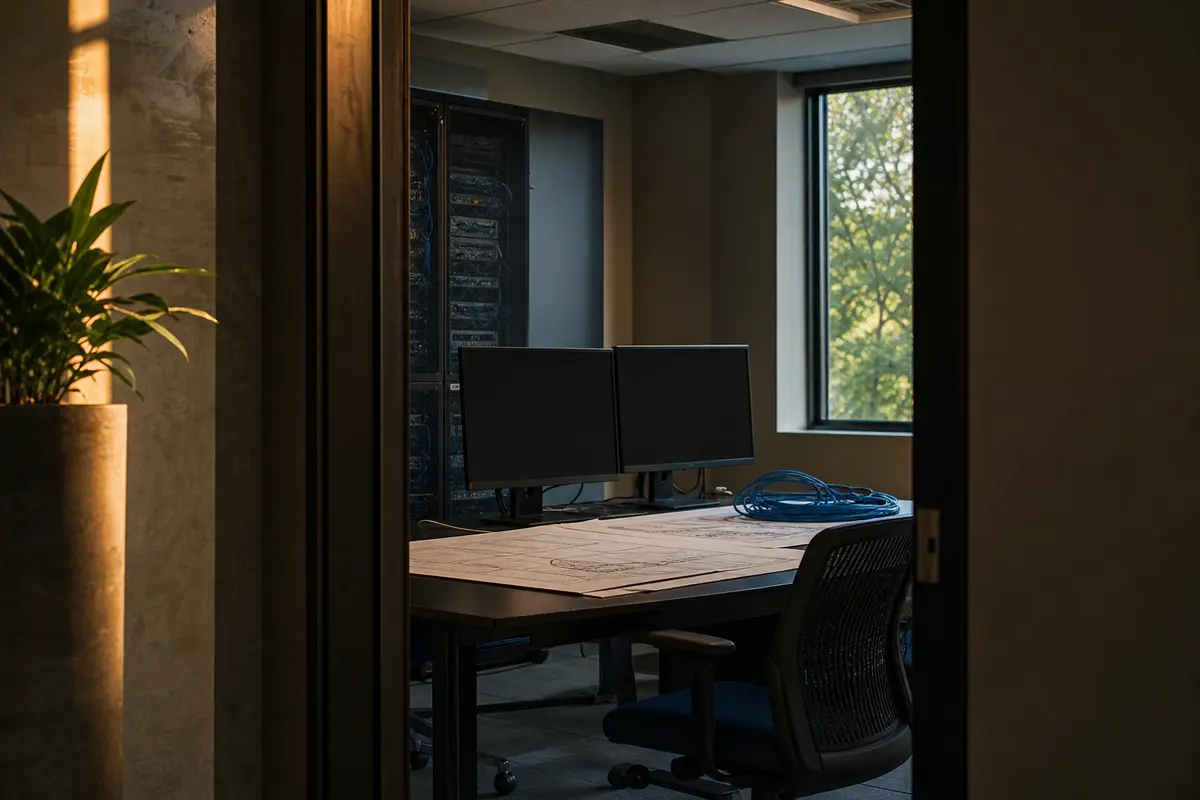
Editorial platform planning scene for Custom Software in Chesterfield, Missouri

Local analysis

Use the consultation to decide whether custom software is justified, what the tool must do, which systems it must connect to, how access and recovery should work, and what evidence will show that the build is acceptable.

Use four questions to make the decision: Does the bottleneck justify intervention? Are the data and permissions defined? Can the required connections and recovery behavior be confirmed? What observable tests will determine acceptance? Local population data can establish that Chesterfield is a defined municipality in St. Louis County, but it cannot answer those software questions.

01

1. Start with the Chesterfield service area, not a generic software brief

Chesterfield is a municipality in St. Louis County, Missouri. The 2020–2024 ACS five-year estimate records 49,574 residents, with a margin of error of 48. That is geographic context, not proof of legal demand, lead volume, competition or revenue. For a Chesterfield firm, the practical question is narrower: which work arrives from this municipality, which work comes from elsewhere in St. Louis County, and which workflows must distinguish those sources? A custom tool should reflect the firm’s actual service area rather than treat every contact as the same record.

Recommended approach

Bring a clear description of the geographic distinctions your staff already uses. Decide whether location is needed for intake routing, reporting, eligibility review or another operational purpose. Do not add location fields merely because a firm serves Chesterfield.

02

2. Define the data before discussing screens

A useful build begins with the firm’s records, not a preferred interface. Bosseo describes custom work such as client portals, intake tools and internal dashboards. Those examples do not establish which fields your firm needs. You should identify the information collected, its source, who may change it, and when it becomes part of the matter record. For a Chesterfield practice serving clients across St. Louis County and Missouri, that may include a service-area field—but only if the field affects a real decision.

Recommended approach

Ask Bosseo to map each proposed field to a business purpose. Separate required information from optional information, define ownership for updates, and identify duplicates or conflicting values. An acceptance review should test whether the tool preserves the firm’s chosen definitions instead of creating a second version of the truth.

03

3. Test reliability and recovery as part of the scope

Bosseo’s public Custom Software page states that it hosts and maintains the tools it builds, including hosting on dedicated servers and ongoing updates, fixes and improvements. That describes a service capability; it does not establish a particular uptime level, recovery time, recovery point, backup schedule or security configuration. Those details matter when a tool supports intake, client status information or internal work.

Recommended approach

Put reliability questions into the consultation: what is monitored, what is backed up, how restoration is handled, who responds to an incident, and how the firm verifies recovered data. Request written acceptance criteria for the operational behavior that matters. Do not approve a build on the assumption that hosting alone answers recovery or continuity questions.

04

4. Treat permissions as a workflow decision

A client portal, intake tool and internal dashboard do not necessarily serve the same audience. A Chesterfield firm may have staff handling contacts from the city, St. Louis County and other Missouri locations, but geography alone should not determine access. Permissions should follow job responsibilities and the sensitivity of the record. The public Bosseo page supports the idea of tools built around a firm’s workflow; it does not publish a universal permission model for every build.

Recommended approach

List user roles, the records each role may view or change, and the actions that require review. Ask how access is added, changed and removed. Include a test for an authorized user, a restricted user and a departed user. Make the result part of acceptance criteria rather than leaving access decisions to implementation assumptions.

05

5. Examine integrations without assuming them

Bosseo states that custom tools can connect with a firm’s website, intake and dashboard, and describes integrations with CRM, case-management and marketing systems. The public page does not establish that every named system, account configuration or data exchange is supported for your firm. A connection can also create duplicate records or move incorrect data if definitions are not aligned.

Recommended approach

Bring the names of the systems you actually use, the records that should move, the direction of each exchange and the events that should trigger it. Ask how failures are surfaced and corrected. If a connection cannot be confirmed during scoping, treat it as an open decision—not as an included capability.

06

6. Agree on acceptance before the tool is considered usable

Bosseo describes showing a working version early, refining it with feedback, onboarding staff and continuing iteration after launch. Those capabilities make review possible, but they do not replace a firm-specific definition of done. A Chesterfield firm should be able to explain what the tool must accomplish for its own records and service area, without using the population estimate as a proxy for performance.

Recommended approach

Write acceptance tests in plain language: a permitted user can complete the intended task; a restricted user cannot see protected information; a failed connection is visible; a recovered record remains accurate; and a report distinguishes the geographic categories the firm actually needs. Agree which items are required before adoption and which belong to later improvements.

Implementation

What to bring to a Custom Software consultation

The most productive conversation starts with one real workflow, not a wish list. Bosseo can review the bottleneck, discuss a possible build and define the investment before work begins.

  1. 011. Bring the bottleneck Choose one repeated task that staff can describe precisely. Note who performs it, what information is entered, where re-entry occurs and what exception causes the most trouble.
  2. 022. Bring the system map List the website, intake, dashboard, CRM, case-management or other systems involved. Mark the source of each important field and identify any connection that still needs confirmation.
  3. 033. Bring the control requirements Describe the roles that need access, the information that must be restricted, the records that need recovery and the events that require an audit or human review.
  4. 044. Bring the acceptance tests Write observable tests for the proposed workflow. Include normal use, a failed connection, an incorrect value, a permission boundary and a recovery scenario. Use Chesterfield, St. Louis County and Missouri categories only where they serve a real operational purpose.

Questions

Custom Software in Chesterfield

What kinds of custom software can Bosseo discuss with a law firm?+

Bosseo’s public Custom Software page gives client portals, intake tools, internal dashboards, speed-to-lead tools, referral trackers, document-intake flows, calculators and connections between existing systems as examples. The consultation determines whether the proposed problem is suitable for a custom build.

Do we need a requirements document before speaking with Bosseo?+

Bosseo states that a firm can describe the annoyance in plain English and that its team will ask questions and play back the proposed scope. Bring enough detail to explain the current workflow, but do not assume a specific technical design.

Can a custom tool use our existing systems?+

Bosseo describes connected tools and integrations with a firm’s website, intake, dashboard, CRM, case-management and marketing systems. Whether a particular connection is possible for your firm must be confirmed during scoping, along with field definitions, error handling and access.

Who hosts and maintains the software?+

Bosseo states that it hosts custom tools on dedicated servers and maintains them with updates, fixes and improvements. Ask the consultation to address monitoring, backups, recovery, security responsibilities and the service details relevant to your proposed tool.

How should we decide whether custom software is worth pursuing?+

Compare the cost and risk of the current manual process with the value of removing it, then assess whether an off-the-shelf product already fits. A custom build is worth further review when the workflow is important, repeated and poorly served by existing tools. Bosseo’s consultation can also determine that custom software is not the right answer.

Can the tool change after launch?+

Bosseo describes iteration after launch and ongoing updates, fixes and improvements. Agree in advance how requests are evaluated, how changes affect the original scope and how the firm will test a change before staff rely on it.
Next step

Bring your firm’s bottleneck to Bosseo

Book a consultation to explain the manual process, review whether custom software fits, discuss the systems and controls involved, and define what a successful build would need to prove. Bosseo’s booking destination is calendar.bosseo.com.

Book a Custom Software consultation ↗
Sources and scope