Skip to content

Cameron / Missouri

Custom Software for Cameron law firms.

A law firm in Cameron does not need another generic platform simply because one exists. If staff retype information, maintain side spreadsheets, answer repeat status calls or watch a shared inbox for new inquiries, the better question is whether a focused tool can remove that bottleneck. Bosseo’s Custom Software service is built around that evaluation: understand how your firm works, define the data and controls, and decide whether a custom build belongs in your operation.

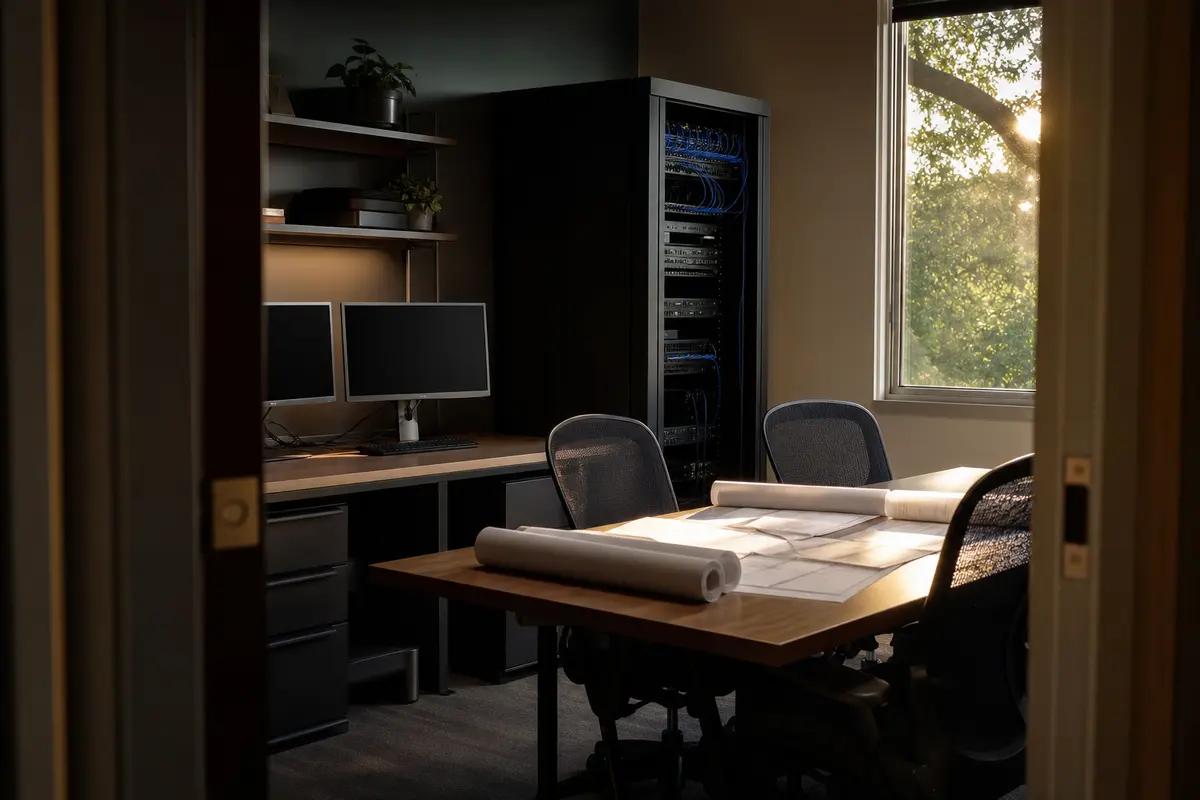
Editorial platform planning scene for Custom Software in Cameron, Missouri

Local analysis

A practical Custom Software review for Cameron firms

Use this decision framework before booking: first establish that the problem is recurring and owned; then confirm that the data, permissions and integrations can be defined; finally decide whether a focused build is preferable to an existing product or a documented manual process. Cameron’s municipal population estimate and county relationships provide geographic context, not a business case. The business case must come from your firm’s own workflow and review.

01

Start with the firm’s real bottleneck

Bosseo describes custom software as a way to build around the way a firm works rather than force the firm into an off-the-shelf workflow. The public Custom Software page gives examples including client portals, intake tools, internal dashboards, referral trackers, document-intake flows, calculators and connections between existing systems. For a Cameron practice serving work across Caldwell, Clinton and DeKalb counties, begin by identifying where staff spend time moving information or answering avoidable questions. The county relationship matters because your review may need to distinguish a municipal office workflow from matters and contacts associated with different counties. It does not justify assuming that one workflow serves every client or practice area.

Recommended approach

Bring one plainly stated problem to the consultation, such as “someone at the firm manually re-enters each consultation.” Record who performs the work, where the information begins, where it must go, what can go wrong and what a successful result must demonstrate.

02

Define data before discussing screens

A useful custom tool begins with definitions, not attractive interface language. Identify each record, the fields that matter, the permitted values, the documents involved and the event that changes status. A Cameron firm should decide whether county is a required matter attribute, a contact attribute or both, rather than allowing staff to use inconsistent labels for Caldwell County, Clinton County and DeKalb County. This is a recommendation for planning, not a claim about the firm’s current systems.

Recommended approach

Create a short data dictionary for the proposed workflow. Include ownership, required fields, duplicate handling, retention questions and the authoritative location for each value. Ask Bosseo to reflect those decisions in the scope and acceptance criteria.

03

Review connections without assuming them

Bosseo’s public page says its custom tools can connect with a firm’s website, intake and dashboard, and describes integrations with CRM, case-management and marketing systems. The page does not establish which products your firm uses or which particular connection is available for your environment. That makes integration review a decision point, not a promise to treat a named system as supported.

Recommended approach

List every system involved in the target workflow and identify what each system can send, receive or export. Ask which connections are technically available, how failures are surfaced, how duplicates are handled and who can approve a change. If a connection cannot be confirmed, treat it as an open scope question.

04

Set permissions and recovery expectations

A custom tool can affect intake, client communications, documents, referrals or internal reporting. Those uses require explicit decisions about who may view, add, edit, export or delete information. Bosseo’s public page says it hosts and maintains custom software on dedicated servers and describes monitoring, backups and security in its public product text. It does not provide a complete security specification or a universal recovery objective.

Recommended approach

Ask for a role-and-permission review, an explanation of backup and recovery arrangements relevant to the proposed tool, and a clear account of what happens when a user, integration or service is unavailable. Keep those answers in the scope rather than relying on a general hosting description.

05

Make acceptance measurable

Bosseo says its team shows a working version early, refines the tool with feedback and includes onboarding and post-launch iteration in its described practice. Your firm still needs to decide what “working” means. A tool that changes a status, routes an inquiry or collects a document should be tested against the actual path a staff member follows. Cameron’s population estimate cannot supply performance targets or workload assumptions, so use your own observed process instead.

Recommended approach

Write acceptance criteria as actions and outcomes: a permitted user enters required information; the record appears in the agreed destination; an exception is visible; an unauthorized user cannot perform a restricted action; and the firm can recover or correct a failed step according to the agreed procedure.

06

Choose the smallest useful build

Bosseo’s page emphasizes focused tools rather than bloated platforms and gives examples such as speed-to-lead tools, status portals and referral trackers. That supports evaluating a narrow operational problem before requesting a broad replacement system. A Cameron firm may also need to decide whether one workflow should serve matters associated with all three recorded counties or whether county-specific rules belong in a later decision.

Recommended approach

Rank candidate builds by the manual effort they remove, the number of systems they touch, the sensitivity of the information, the clarity of the owner and the ease of testing. Ask Bosseo to explain what belongs in the first scope, what should remain outside it and how future changes would be handled.

Implementation

Prepare for a focused Custom Software consultation

Bring the process that staff find hardest to manage, not a general request for “better technology.” Bosseo’s booking destination is calendar.bosseo.com. Use the discussion to determine whether the bottleneck can be scoped, connected, protected and accepted on terms your firm understands.

  1. 011. Inventory the current path Write down the process from the first event to the final record. Include people, systems, documents, approvals, waiting points and exceptions. Do not substitute a generic legal workflow for your firm’s actual practice.
  2. 022. Decide what the tool must protect Identify confidential information, user roles, county labels, required fields, audit questions and recovery needs. Ask direct questions about hosting, maintenance, backups and security rather than treating a broad service description as a complete specification.
  3. 033. Scope and test the build Select the smallest useful bottleneck. Confirm integrations instead of assuming them, define acceptance criteria and review a working version with the staff who perform the process.
  4. 044. Plan use after launch Set out onboarding, ownership, feedback and change handling. Bosseo’s public page describes hosting, maintenance and iteration as part of its custom-software practice; confirm how those arrangements apply to the tool your firm is considering.

Questions

Custom Software in Cameron

What kinds of custom software can Bosseo discuss with a Cameron law firm?+

Bosseo’s public Custom Software page describes client status portals, intake tools, internal dashboards, referral trackers, document-intake flows, calculators and integrations between existing systems. The consultation determines whether your specific bottleneck is suitable.

Do we need a technical requirements document before speaking with Bosseo?+

Bosseo says the conversation can begin with a plain-English description of the annoyance rather than a completed requirements document. You should still bring the current workflow, systems involved, users, data concerns and a definition of success so the scope can be evaluated responsibly.

Will the tool connect to our existing software?+

Bosseo describes custom tools connected to a firm’s website, intake and dashboard, and discusses CRM, case-management and marketing connections. Availability depends on your actual systems and the proposed workflow, so request a specific integration review before treating any connection as included.

How should we evaluate permissions?+

List the roles that need to view, create, edit, export or delete each type of information. Then ask how those permissions would be implemented and tested. County information, documents and client-related records should not be exposed to users who do not need them.

Who hosts and maintains the custom tool?+

Bosseo’s public page says it hosts and maintains custom software on dedicated servers and describes ongoing updates, fixes and improvements. Ask how hosting, monitoring, backups, security, recovery and support apply to the proposed build; the public description does not replace that project-specific discussion.

How do we decide whether custom software is worth pursuing?+

Compare the cost and risk of the current manual process with the scope, controls and adoption requirements of a focused tool. Custom software may be appropriate when a recurring bottleneck does not fit an existing product. It may not be appropriate when an available product already meets the firm’s exact need.

Next step

Bring your Cameron firm’s bottleneck to Bosseo

Book a Custom Software consultation to review the workflow you want to improve, the data it touches, the systems it may need to connect with and the controls your firm requires. You will be able to decide whether a focused custom tool is appropriate before treating the idea as a build.

Book a Custom Software consultation ↗
Sources and scope