Skip to content

Oak Park / Michigan

Automation for Oak Park law firms.

A new inquiry can begin with a website form, call, chat or video intake. Bosseo Automation is designed to connect that first contact to the next operational action: logging the inquiry, tagging it, routing it, assigning work and continuing follow-up. For a law firm serving Oak Park, the useful question is not whether automation sounds promising. It is whether your current handoffs preserve the information and urgency of each inquiry from first contact through consultation and matter intake.

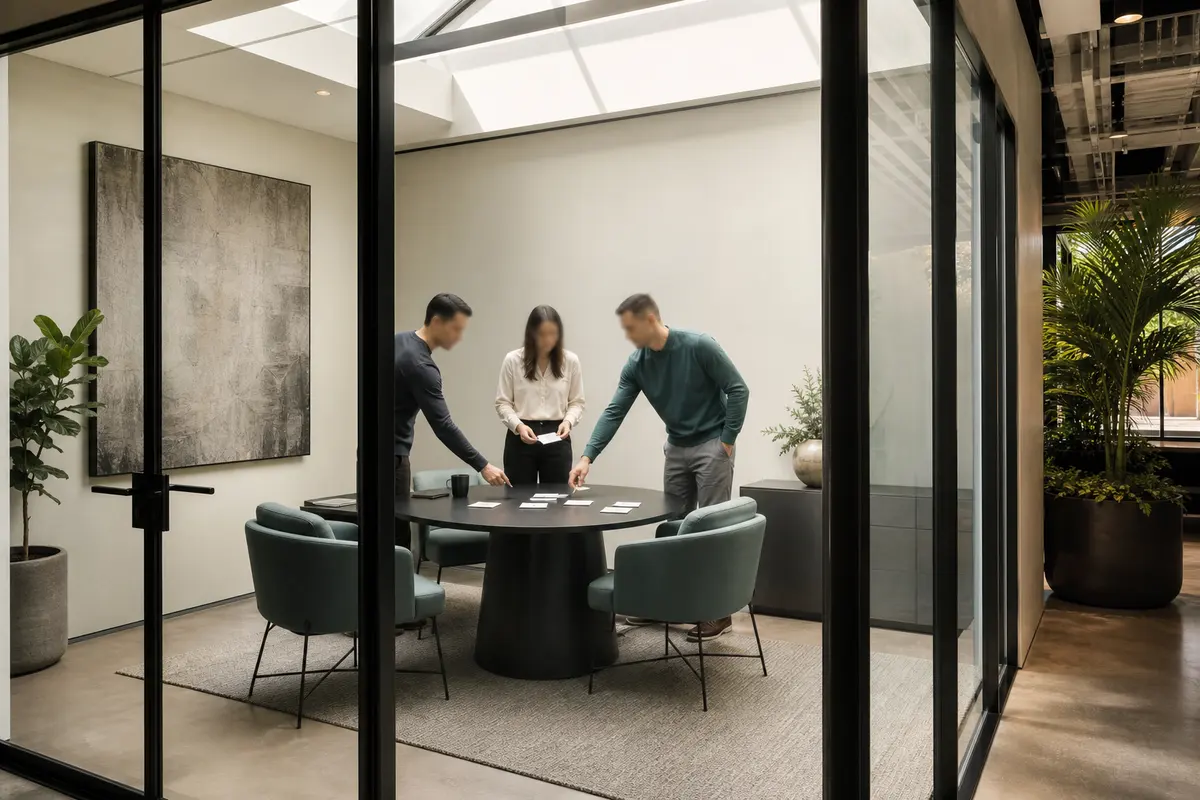
Editorial intake planning scene for Automation in Oak Park, Michigan

Local analysis

Use a consultation to map the firm’s actual intake path, identify where information is re-entered or left unassigned, and decide which response, ownership, escalation and measurement rules belong in an automated workflow.

Evaluate Automation as an operations decision: first define the inquiry paths, then the firm’s rules, then the system connections, and finally the events you will review. The Oak Park location identifies the service area; it does not supply a forecast of demand or staffing.

01

Start with Oak Park’s actual service area, not a population assumption

Oak Park is a city in Oakland County, Michigan. The 2020–2024 ACS five-year estimate records 29,318 residents, with a margin of error of 34. That figure describes the municipality; it does not establish legal demand, call volume, language needs, staffing requirements, competition or likely case revenue. For automation planning, the relevant local question is narrower: which inquiries does your firm accept from Oak Park, which other places does it serve, and how should those inquiries be handled once they arrive?

Recommended approach

Bring your service-area boundaries and accepted matter types to the review. Use them to define routing and qualification rules rather than treating population as a forecast. A useful automation plan should distinguish an Oak Park inquiry from an inquiry outside your coverage, without assuming that either one should receive the same response.

02

Map the handoffs before choosing the workflow

Bosseo describes Automation as a connection between marketing, intake and operations. Its public Automation page presents a flow in which a form, call, chat or video intake is captured, logged and tagged, then synchronized into connected systems. The stated purpose is to reduce re-entry between a website, CRM and case-management platform. That makes the intake map the central buying decision: where does the inquiry begin, who owns the next action, and what information must travel with it?

Recommended approach

Review every current path used by your firm for Oak Park inquiries. Document the entry point, destination, required fields, responsible person, deadline and escalation condition. If a path depends on someone noticing an email or copying information by hand, mark it for evaluation instead of assuming the answer is a new tool.

03

Set qualification and routing rules that reflect legal judgment

The public Automation description includes contact details, case type and intake answers as information that can arrive with a lead. It also describes routing, task assignment and urgency rules. Those capabilities do not decide whether a firm should accept representation; they support the movement of information and work after the firm establishes its rules.

Recommended approach

Decide which facts may trigger a routing or escalation instruction and which require human review. For example, your team might define different owners for different accepted matter types, but the actual categories, urgency standards and conflict-review requirements should come from your firm. Keep legal judgment with the appropriate people while automation handles agreed administrative steps.

04

Plan follow-up around responsiveness without promising outcomes

Bosseo’s public page describes instant text-back, scheduled email sequences, reminders and follow-up that can continue outside normal working hours. It also states that sequences can be written for a firm and its matter types, with timing and channel adjusted with the firm. These are workflow capabilities, not evidence that every inquiry will become a consultation or client.

Recommended approach

Review the firm’s present first-response process across business hours, evenings and weekends. Decide what acknowledgment is appropriate, when a human should intervene, what stops an automated sequence, and how a reply or booking changes the next task. Measure response and completion events rather than treating automation itself as a case result.

05

Connect the tools your team already relies on

Bosseo states that Automation is intended to connect existing systems rather than replace them. Its public page names Clio, MyCase, Filevine, PracticePanther, Smokeball, Lawmatics, HighLevel, Zapier and APIs among the connection options, while noting that the exact stack should be confirmed. The relevant decision for an Oak Park-serving firm is therefore not whether a named platform appears on a list, but whether the firm’s actual systems can receive and preserve the information it needs.

Recommended approach

Bring the names and roles of your website, CRM, case-management platform, calendar and communication tools to the consultation. Ask which system should be authoritative for each field, how duplicates are handled, and what happens when a connection or system changes. Confirm the exact configuration before treating any connection as part of scope.

06

Measure the path from inquiry to next action

The Automation page describes logging, tagging, task assignment, consultation booking and follow-up. Bosseo also presents Lead Attribution and an ROI Dashboard as related products intended to show the journey from marketing to matter. Automation does not guarantee crawling, indexing, search visibility or business results; Google’s guidance says automated scaled pages still need original value, accuracy and relevance. For this product, the operational measurement question is whether each accepted inquiry has a visible next action.

Recommended approach

Choose a small set of operational events to review: inquiry received, information logged, owner assigned, response sent, consultation offered or booked, human intervention and sequence stopped. Decide which system records each event and how exceptions will be investigated. If you need marketing-source or matter-value analysis, discuss the related attribution and dashboard products rather than assuming Automation alone answers every ROI question.

Implementation

Prepare for a focused Automation review

A productive conversation starts with your current intake reality. Bring the information below so Bosseo can discuss the handoffs, ownership rules and system questions that matter to your firm.

  1. 011. Bring the real intake paths List every way a prospective client can contact the firm, including website forms, calls, chat and video intake if used. Separate Oak Park from the firm’s other service areas only where that distinction changes eligibility, ownership or follow-up.
  2. 022. Decide the rules that require firm judgment Set accepted matter categories, required intake information, routing ownership, urgency standards, escalation points and stopping conditions. Do not delegate legal or conflict decisions merely because an administrative handoff can be automated.
  3. 033. Confirm the system map Identify where each field should be created, updated and reviewed. Confirm the exact CRM, case-management, calendar and communication tools with Bosseo, including whether a direct connection, Zapier or an API is appropriate.
  4. 044. Establish reviewable events Agree on the operational events the firm wants to inspect, such as receipt, logging, assignment, response, booking and follow-up status. Use those events to find exceptions and decide whether related attribution or ROI products belong in the wider plan.

Questions

Automation in Oak Park

Will Automation replace our CRM or case-management software?+

Bosseo’s public Automation page says it connects existing CRM and case-management systems rather than replacing them. The exact systems and field behavior should be confirmed during consultation.

What kinds of inquiries can the workflow handle?+

The public page describes website forms, calls, chats and video intake as possible entry points. Your firm still needs to decide which inquiries it accepts, which information is required and who owns each next action.

Can different matter types receive different follow-up?+

Bosseo describes follow-up sequences written for a firm and its matter types. Discuss the categories, language, timing, channels and stopping conditions your firm would approve before implementation.

What happens when a person responds to an automated message?+

The workflow should include a firm-approved human intervention rule. Review who receives the response, what task is created and when the automated sequence stops or changes.

Can Automation guarantee that every lead becomes a client?+

No such guarantee should be assumed. Automation can support capture, logging, routing and follow-up; it does not establish legal fit, client choice, consultation attendance or representation.

Do we need Lead Attribution or the ROI Dashboard?+

That depends on the question you need to answer. Automation addresses operational handoffs. Bosseo presents Lead Attribution and the ROI Dashboard as related products for viewing the journey from marketing to matter, so discuss whether those products fit your measurement needs.

Next step

Map your Oak Park intake handoffs with Bosseo

Book a consultation through calendar.bosseo.com to review how inquiries move from first contact to the next action. Bring your systems, matter categories and ownership rules; the discussion can clarify what Automation should connect, what your team should control and whether related intake, attribution or measurement services belong in the plan.

Book an Automation consultation ↗
Sources and scope