Skip to content
LAW FIRM SPECIFIC✦$0 SETUP FEES✦MONTH TO MONTH✦DIRECT OWNER ACCESS✦13 CONNECTED PRODUCTS✦

Palm Beach County / Delray Beach / Intake & Operations

Automation for
Delray Beach law firms.

A new inquiry is only useful when the right person can act on it. Bosseo Automation connects the first inquiry to the next action by logging, tagging, routing and following up on leads across the systems your firm already uses. For a law firm serving Delray Beach and Palm Beach County, the key decision is not whether to automate everything at once. It is whether one carefully approved workflow can make jurisdiction, practice area, language preference and availability visible before a handoff is missed.

Book a free 30-minute Automation review ↗
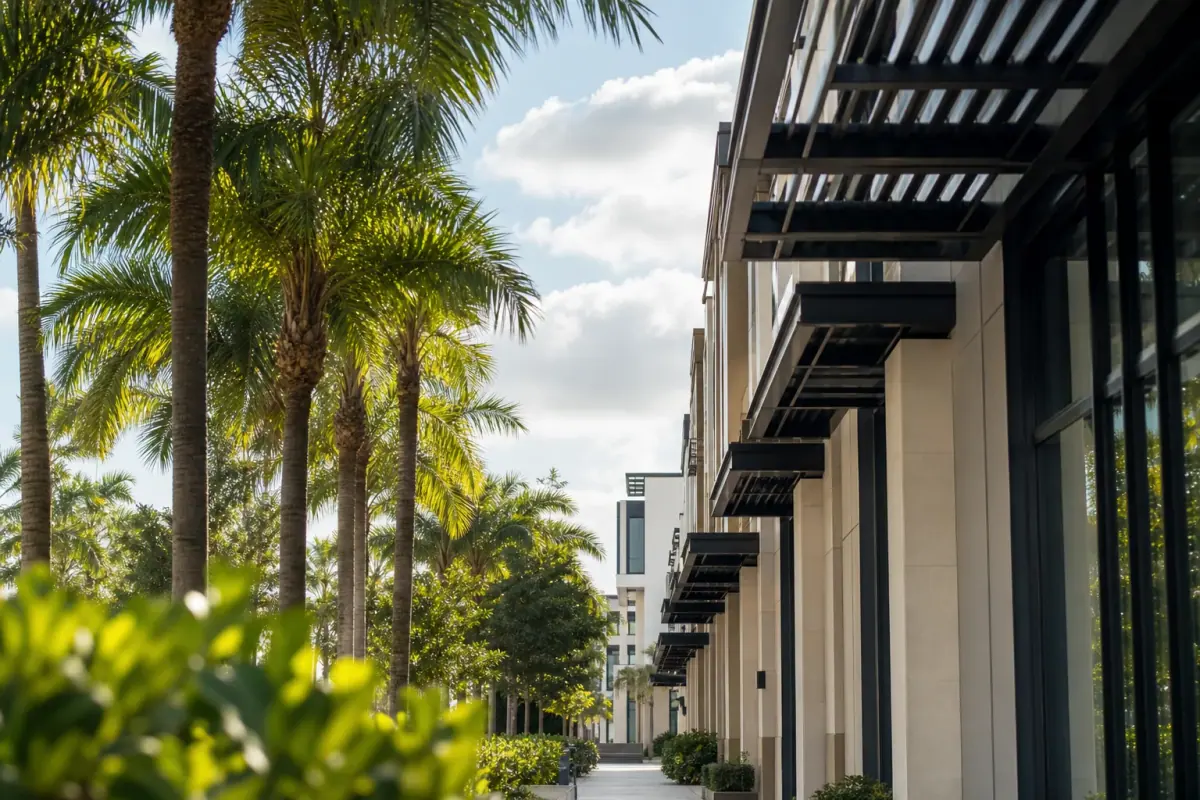
Editorial illustration for Automation planning in Delray Beach, Florida

Local operating brief

A practical Automation review for Delray Beach firms

Use this decision framework before selecting Automation: the firm should be able to name the first workflow, approve its routing rules, identify the systems involved and assign responsibility for exceptions. If those decisions are not yet clear, begin with a review rather than a broad automation scope.

01

1. Make Delray Beach jurisdiction part of the routing decision

Delray Beach is a municipality in Palm Beach County. The 2020–2024 ACS five-year population estimate for Delray Beach city is 67,979, with a margin of error of 64. That geographic fact does not establish legal demand, search volume or lead volume. It does establish why a firm should distinguish Delray Beach from the broader Palm Beach County service area when reviewing intake rules. A location field that only says “South Florida” may not tell your team whether the inquiry belongs in the approved service area, needs attorney review or should be routed elsewhere.

Recommended approach

Define the geographic values your firm actually accepts before connecting automation. Review whether the workflow should record Delray Beach city, Palm Beach County, another jurisdiction or an unknown location. Treat the location as an intake question requiring review, not as proof that the matter is eligible.

02

2. Route by practice area instead of sending every inquiry to one queue

Bosseo Automation is designed to route leads by real jurisdiction, practice, language preference and availability. Bosseo’s published product information describes a flow in which an inquiry is captured, logged and tagged with contact details, case type and notes before it is synced into connected systems. That structure can help a firm separate, for example, a matter that needs one practice owner from an inquiry that requires a different review path. It does not decide whether a person has a viable claim or provide legal advice.

Recommended approach

Approve a limited set of practice-area labels and an owner for each label. Include an “unclear” path for incomplete answers. Have the responsible attorney review labels, questions and routing consequences before launch.

03

3. Preserve language preference without assuming a person’s needs

Language preference is one of the routing dimensions identified for Automation. Recording a stated preference can help the team decide who should handle the next contact. It should not be inferred from a name, location or other personal detail. The available evidence does not establish language preferences among Delray Beach households or individuals, so local population information should not be used to create a language rule.

Recommended approach

Ask for language preference in a clear, optional intake field and define what the firm can actually support. If no suitable person is available, route the inquiry for human review rather than implying that a particular service is available.

04

4. Connect the first inquiry to the next operational action

Bosseo’s published product information describes website-to-CRM and case-management connections, instant lead routing and follow-up, task assignment, calendar booking flows and data appearing where it belongs after entry. It also describes support for named practice tools and connections through Zapier or APIs. The exact systems, permissions and fields for this firm remain unknown and must be confirmed. Automation is therefore best evaluated as a handoff design, not as a promise that every system will connect in the same way.

Recommended approach

Inventory the firm’s current website intake, CRM, case-management system, calendar and communication channels. Decide which system is the record for each stage. Confirm the exact connection method and fields before approving the workflow.

05

5. Deduplicate repeat inquiries and protect ownership

Bosseo’s published product information describes leads being logged and deduplicated, with owner and source preserved as part of Bosseo’s product approach. Repeat contact can otherwise create competing records or cause two staff members to assume someone else is handling the inquiry. Ownership also matters when a lead arrives outside normal staff availability. Automation can support consistent assignment, but the firm must define who owns an inquiry when information is incomplete or an existing record is found.

Recommended approach

Approve the matching rules, owner field, source field and exception queue. Review how the workflow handles a repeat inquiry, a shared household contact, a transferred matter and a record with conflicting information. Keep a human decision point for ambiguous matches.

06

6. Log failed handoffs and review the workflow as an operating control

Bosseo’s product approach includes logging failed handoffs. That is important because a workflow can appear complete while a task, message or system transfer has not reached the intended destination. The reference also describes ongoing maintenance when a case type or system changes. The available evidence does not establish a particular firm’s current failure rate, response time or conversion performance.

Recommended approach

Choose the events that count as a successful handoff: captured inquiry, correct owner, required fields, follow-up action and consultation or other next step. Review exceptions regularly. Have the responsible attorney review communications and advertising implications; Florida Bar resources provide guidance and checklists, but this page does not certify a workflow as compliant.

Scope

What the engagement can cover

01Approved intake-flow mapA review of where inquiries originate, which system should receive them, who owns each path and what action should follow. The scope should begin with one approved workflow.
02Jurisdiction and practice routing rulesRules for the geographic and practice-area values the firm chooses to use, including an unclear or attorney-review path where answers do not support automatic routing.
03Language-preference and availability routingA review of how stated language preference and staff availability should affect assignment, without inferring preferences or promising support the firm has not approved.
04System handoff planA confirmed field and destination review for the firm’s website, CRM, case-management platform, calendar and other selected tools. Exact compatibility and permissions should be confirmed before implementation.
05Duplicate and ownership logicA defined approach for preserving owner and source, identifying repeat inquiries and sending ambiguous records to human review.
06Failed-handoff reviewA review of which transfer, task or follow-up events must be logged as exceptions so the firm can investigate missed actions.
07Follow-up and booking pathA firm-approved review of follow-up timing, wording, channel and consultation-booking steps. Communications should be reviewed before use.

Worked example

Illustrative workflow: one Delray Beach inquiry

This is an illustrative workflow, not a prediction or description of a particular firm. A person submits an inquiry indicating Delray Beach, selects a practice-area option, states a language preference and provides contact information.

  1. 01The inquiry is captured with the submitted contact details, location, practice-area selection, preference and source.
  2. 02Automation checks the approved geographic and practice rules. If the answers are incomplete or outside the approved path, the record goes to human review.
  3. 03The inquiry is logged and tagged in the selected system. A duplicate check looks for an existing record according to the firm’s approved matching rules.
  4. 04The designated owner receives the task and the next action. An approved follow-up or booking step is sent through the firm’s selected channel.
  5. 05If the record, task or follow-up fails to reach its destination, the exception is logged for review rather than silently treated as complete.

The intended outcome is a traceable next action with less avoidable re-entry. It is not a guarantee of a consultation, representation or case result.

Implementation

What to bring to a Bosseo Automation review

A useful review can focus on the firm’s actual intake path rather than a generic software demonstration. Bring the information needed to decide whether one workflow is appropriate.

  1. 01Step 1: Define the first workflowChoose one intake path and write down its start and finish. For example, the path might begin with a website inquiry and end when the correct owner has a complete record and a defined next action. Avoid combining every practice, jurisdiction and exception before the first workflow is understood.
  2. 02Step 2: Approve the decision fieldsDecide which answers are necessary for jurisdiction, practice area, stated language preference, availability, ownership, source and duplicate review. Mark fields that require attorney or staff judgment. Do not use demographic assumptions as substitutes for a person’s stated information.
  3. 03Step 3: Review connected systems and communicationsConfirm the firm’s actual CRM, case-management platform, calendar and communication tools. Review where each field should go, which staff member can access it and what messages or booking steps are permitted. The responsible attorney should review advertising and intake communications with applicable Florida Bar guidance in mind.
  4. 04Step 4: Monitor exceptions and revise deliberatelyReview failed handoffs, duplicate records, unassigned inquiries and unclear routing decisions. When the firm adds a case type or changes a system, revisit the approved workflow rather than assuming the old rules still apply.

Review checklist

Questions to settle before launch

01Current inquiry sourcesList the website forms, calls, chats or other intake paths the firm wants reviewed.
02Service-area rulesIdentify whether the firm accepts Delray Beach, Palm Beach County or other jurisdictions, and who reviews uncertain locations.
03Practice ownershipList the approved practice-area labels and the person or team responsible for each path.
04Preference and availability rulesState what language preference and staff availability information can be collected and how exceptions are handled.
05System inventoryBring the names of the CRM, case-management platform, calendar and other systems involved. Compatibility is confirmed against the actual stack.
06Communication approvalsIdentify who reviews follow-up wording, booking instructions and advertising-related communications.
07Exception definitionsDecide what the firm considers a failed handoff, duplicate record or unassigned inquiry.

Questions

Automation in Delray Beach

Does Bosseo Automation replace our CRM or case-management system?+

Bosseo’s published product information describes Automation as connecting existing systems rather than replacing them. Your exact tools, permissions and connection method must be confirmed during review.

Can the workflow route inquiries outside Delray Beach?+

It can be designed around the geographic rules your firm approves, including Delray Beach and Palm Beach County. The firm must decide which jurisdictions it accepts and what happens when location information is incomplete.

Can we route by practice area and language preference?+

Those are product routing dimensions described in Bosseo’s published product information. The firm must approve the available labels, ask for preference rather than infer it and define what happens when no suitable owner is available.

What happens when someone submits more than one inquiry?+

Bosseo’s published product information describes deduplication. Your firm should approve the matching rules and the human-review path for ambiguous records before relying on them.

Can Automation decide whether a person has a legal case?+

No such decision should be assumed. Automation can support capture, tagging, routing, follow-up and handoff. Legal judgment remains with the firm’s people.

How should we evaluate whether the workflow is working?+

Review whether inquiries are captured, correctly tagged, assigned, followed up and transferred without failed handoffs or unnecessary re-entry. Do not treat the Delray Beach population estimate as evidence of demand or expected results.

Next step

Review one Delray Beach intake workflow with Bosseo

Book Bosseo’s current free 30-minute review to examine how a Delray Beach law firm could connect an approved inquiry path to routing, ownership, follow-up and the next operational action. The session should confirm your actual systems and expose decisions that still require attorney or staff review. It does not establish demand, guarantee results or certify compliance.

Book a free 30-minute Automation review ↗
Sources and scope
Book a demo ↗