Skip to content

Fairfield / Connecticut

Custom Software for Fairfield law firms.

Your Fairfield law firm may not need another general-purpose legal platform. It may need one focused tool for the work your team already performs manually: routing an inquiry, tracking a referral, collecting documents, or showing a client what happens next. Bosseo Custom Software is designed around that kind of bottleneck. The first decision is not which feature list to buy. It is whether the process is defined clearly enough to build, maintain and evaluate responsibly.

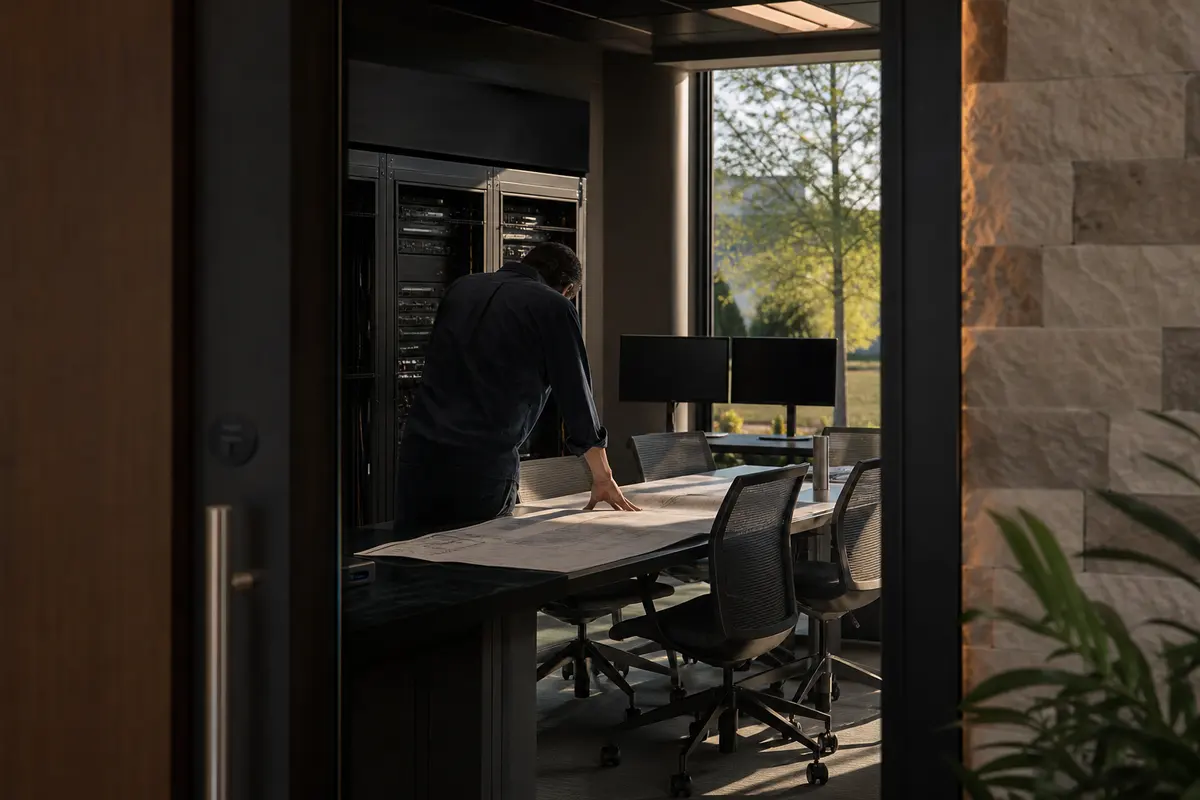
Editorial platform planning scene for Custom Software in Fairfield, Connecticut

Local analysis

For a firm serving Fairfield, Connecticut, custom software should be judged by fit with the firm’s actual workflow—not by the number of features in a generic platform. Use a consultation to define the data, permissions, recovery expectations, integrations and acceptance criteria before deciding whether a build is appropriate.

Use this decision framework before asking for a build. It keeps the Fairfield location relevant without treating local population as a proxy for demand: define the firm’s actual service footprint, then evaluate the operational process that supports it.

01

Start with Fairfield’s actual operating footprint

Fairfield is recorded as a municipal town in Connecticut, within the Greater Bridgeport Planning Region. The 2020–2024 ACS five-year population estimate for the town is 63,416, with a margin of error of 52. That figure describes the town’s population; it does not establish legal demand, lead volume, competition or revenue for a law firm. It does, however, make geographic precision important when you describe the people and matters your firm serves. A tool should distinguish the town from the broader planning region and from any service area your firm chooses to define.

Recommended approach

Bring a plain-language description of your Fairfield service area to the consultation. Decide whether the proposed tool should record municipality, planning region, office territory or another firm-defined field. Do not use population as a substitute for workflow evidence. Instead, identify where the process breaks: an inquiry arrives, a referral is recorded, a document is requested or a status update is prepared.

02

Define the data before choosing the interface

A custom tool is only as dependable as the information it is expected to handle. For a Fairfield firm, that may include a prospective client’s location, matter type, referral source, contact details, documents or next action—but the exact fields belong to the firm’s process. Bosseo describes custom builds such as intake tools, referral trackers, client status portals and internal dashboards. The relevant question is not whether a familiar example sounds useful. It is which data must be entered once, who may edit it, and what the firm needs to see afterward.

Recommended approach

List each field that the proposed tool would collect, create or display. Mark the source of each field, the person responsible for it, and whether it is required. Separate information needed for intake from information needed for case work. Ask how corrections, duplicate records and incomplete submissions will be handled. This gives the firm a concrete basis for reviewing reliability instead of approving a screen that merely looks convenient.

03

Review permissions, privacy and recovery as design decisions

A client-facing portal, an internal dashboard and a referral tracker do not necessarily need the same access rules. Bosseo’s public Custom Software page says its tools are hosted and maintained by Bosseo and refers to dedicated servers, monitoring and backups. That describes the service’s stated hosting and maintenance approach; it does not remove the firm’s responsibility to decide who should access particular information or what recovery requirements apply to its records. The population of Fairfield does not determine those rules. The firm’s matter types, roles and obligations do.

Recommended approach

Ask for a permissions map before approving the build. Identify staff roles, client access, referral-partner access and administrative access separately. Define what should happen after a mistaken change, an unavailable service or a lost document. Ask what is backed up, how restoration would be reviewed and which responsibilities remain with the firm. Treat these answers as acceptance criteria, not as technical afterthoughts.

04

Test integrations instead of assuming them

Bosseo says Custom Software can connect with a firm’s website, intake and dashboard, and its page discusses connections with CRM, case-management, billing and marketing systems. The public description does not establish that every Fairfield firm’s specific systems are supported, nor does it identify a particular integration for your practice. A connected tool also needs a clear source of truth. Otherwise, a new interface can add another place to correct conflicting information.

Recommended approach

Bring the names and roles of the systems your firm actually uses, without assuming a connection is available. For each proposed exchange, specify what data moves, in which direction, when it moves, and what happens when the transfer fails. Decide whether the new tool should read, write or simply display information. Require a review of duplicate handling, permissions and error visibility before calling the integration complete.

05

Choose a small bottleneck with a measurable acceptance test

Bosseo positions custom software around a specific operational bottleneck rather than a large generic platform. Its examples include a speed-to-lead tool, a client status portal and a referral fee tracker. Those examples are illustrations of possible builds, not evidence that a Fairfield firm has any of those problems. For your practice, the useful starting point may be the manual task that repeatedly interrupts staff work or causes information to be re-entered.

Recommended approach

Select one process and describe its current beginning, handoffs, decision points and endpoint. Then write acceptance criteria in observable terms: the required information is captured, the right role can see it, an exception is visible, and the intended next action can be recorded. Avoid unsupported savings or performance forecasts. Measure the process after adoption using the firm’s own records and a definition agreed before launch.

06

Make maintenance and ownership part of the decision

Bosseo states that its team designs, builds, hosts and maintains Custom Software, and that updates, fixes and improvements continue as the firm changes. The page also describes early working versions and refinement through feedback. Those are service descriptions, not a promise that every requested change is automatically included or that a particular schedule applies. A Fairfield firm should understand how the relationship fits its own technology responsibilities before relying on the tool for operational work.

Recommended approach

Ask what the firm receives at handoff, who can request changes, how changes are reviewed, and how staff onboarding is handled. Clarify the firm’s responsibilities for account access, content, legal judgment and data quality. Decide how the tool’s continued usefulness will be reviewed as the practice changes. A maintenance conversation should cover both technical upkeep and whether the original acceptance criteria still describe the firm’s needs.

Implementation

A practical consultation for your firm

Bring one manual process, the systems involved and the questions your staff cannot answer consistently today. Bosseo’s public page directs prospects to book a demo and describes a consultation focused on the firm’s bottleneck, proposed tool and scope. Use that conversation to decide whether the problem calls for custom software at all.

  1. 011. Describe the interruption Write one sentence beginning with the task someone at the firm performs manually. Add what starts the task, who touches it, where information is stored and what can go wrong. A concrete description is more useful than a request for a broad platform.
  2. 022. Map information and authority Identify the required fields, the source of each field and the role responsible for correcting it. Decide which users need to view, edit or approve information. Include client-facing access only if the workflow requires it.
  3. 033. Review the proposed build Ask Bosseo to explain the proposed screens, connections, hosting arrangement, maintenance responsibilities and early review point. Confirm any system-specific integration rather than treating the public examples as a compatibility list.
  4. 044. Approve measurable acceptance criteria Define what must work before the firm adopts the tool. Include ordinary use, incomplete information, duplicate records, permission boundaries and recovery questions. After adoption, review the process against those criteria using the firm’s own observations.

Questions

Custom Software in Fairfield

What kinds of custom software can a Fairfield law firm discuss with Bosseo?+

Bosseo’s public Custom Software page describes client status portals, intake tools, internal dashboards, referral trackers, document intake flows, calculators and integrations as examples. Your consultation should determine whether your specific bottleneck is suitable. The examples do not guarantee that a particular build or integration is appropriate for your firm.

Does Fairfield’s population prove that my firm needs custom software?+

No. Fairfield’s 2020–2024 ACS five-year population estimate is 63,416, but population is not evidence of legal demand, competition, search volume, leads, cases or revenue. Use the firm’s own operational problem and records to decide whether a custom tool is justified.

Do I need to prepare a technical requirements document?+

Bosseo says its process begins with describing the bottleneck in plain English and that its team asks questions. You can bring a description of the task, the people involved, the information used and the desired result. The final scope should still define data, permissions, integrations, recovery expectations and acceptance criteria.

Can Bosseo connect a custom tool to my current systems?+

Bosseo says its custom tools can connect with a firm’s website, intake and dashboard, and discusses CRM, case-management, billing and marketing connections. Whether your particular systems can connect, and how, must be reviewed directly. Confirm the data exchanged, direction, permissions, failure handling and source of truth.

Who hosts and maintains the software?+

Bosseo states that it hosts and maintains the tools it builds, using dedicated servers and describing monitoring and backups. Ask which arrangements apply to your proposed tool and clarify your firm’s responsibilities for data, access, content, legal judgment and change requests.

How should we decide whether custom software is worth pursuing?+

Start with one recurring bottleneck and document its current workflow. Compare the proposed custom scope with an existing product or a process change. Decide only after reviewing the data model, permissions, integration feasibility, recovery expectations, staff adoption needs and acceptance criteria. Do not rely on an assumed timeline, savings figure or performance result.
Next step

Bring your Fairfield firm’s bottleneck to Bosseo

Book a consultation to describe the manual process your firm wants to examine. Bosseo can review the workflow, discuss a possible custom tool, and help you determine what should be defined before a build. A consultation is the right place to confirm scope, system compatibility, hosting, maintenance, permissions and investment for your specific request.

Book a Custom Software Consultation ↗
Sources and scope