Skip to content

Sonoma / California

Custom Software for Sonoma law firms.

Your firm may not need another off-the-shelf legal application. It may need one focused tool that removes a recurring bottleneck: a client status portal, an intake workflow, an internal dashboard, a referral tracker or a connection between systems you already use. Bosseo builds custom software around the way a law firm works, then hosts and maintains the resulting tool. For a firm serving Sonoma, the first question is not whether custom software sounds modern. It is whether a clearly defined process justifies a tailored build.

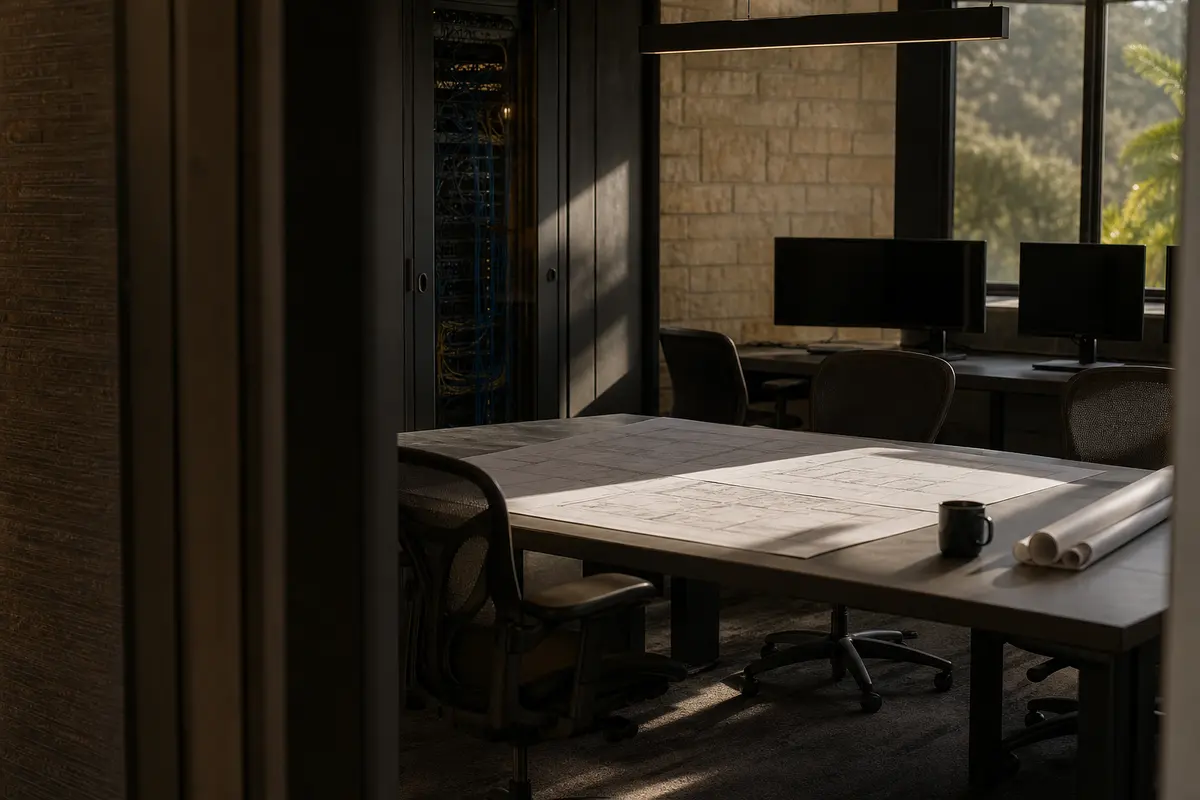
Editorial platform planning scene for Custom Software in Sonoma, California

Local analysis

Use the consultation to test the problem before selecting the product: define the current workflow, identify the systems and people involved, establish permissions and recovery expectations, and agree on what acceptance means. Sonoma is a municipality in Sonoma County, California, with a 2020–2024 ACS 5-year population estimate of 10,670 and a margin of error of 26. That geographic fact describes the city; it does not establish demand, legal need, lead volume or a business case for software.

A practical decision framework keeps the consultation focused on fit rather than novelty. Score the proposed project against five questions: Is the bottleneck repeated and clearly described? Are the required data and systems identifiable? Can permissions and recovery expectations be stated? Can the firm define an observable acceptance test? Will an internal owner review adoption? A “no” is useful information. Resolve it before treating the project as ready.

01

Start with the bottleneck, not a feature list

Bosseo describes custom software as a response to work that someone at the firm performs manually. Examples on its public page include client status portals, speed-to-lead tools, referral trackers, document-intake flows, internal dashboards, calculators and integrations between existing systems. For a Sonoma firm, the useful local question is operational: does the workflow serve clients in Sonoma city, the wider Sonoma County area, or another defined service area? A tool should reflect the firm’s actual scope rather than use Sonoma as a label without clarifying who the process serves.

Recommended approach

Bring one recurring task to the consultation in plain language. Describe who starts it, what information they use, where they re-enter information, who approves the next action and what happens when the task is missed. Treat the Sonoma city population figure as geographic context only; use your own workflow records and staff experience to decide whether the bottleneck is material.

02

Define data before connecting systems

Custom software is only useful when the information moving through it has clear meaning. Bosseo’s public page says its builds can connect with a firm’s website, intake and dashboard, and describes integrations with CRM, case-management, billing and conflict-check processes. The page does not establish that every named system or integration is available for your firm. The decision therefore depends on identifying the systems you actually use and the fields that must move between them.

Recommended approach

Create a data map for the proposed tool. List the source of each field, the person or system allowed to change it, the destination, the required format and the result when data is missing or inconsistent. Ask Bosseo to confirm each proposed connection during scoping instead of treating a general integration statement as confirmation of a specific compatibility.

03

Make permissions and recovery part of the design

A law-firm tool may handle intake information, matter status or documents. Bosseo states that it hosts and maintains custom software on its managed infrastructure and describes monitoring and backups on its public page. That statement does not define your firm’s required permission model, retention rules, recovery objectives or access controls. Those requirements must be discussed before approval.

Recommended approach

Separate users by job responsibility and decide which actions each group may take. Ask how access is removed, how changes are recorded, how data is recovered and how your firm receives notice of operational issues. Request clear answers about the proposed hosting and maintenance arrangement. Do not approve a build until the firm can explain what happens when a user leaves, a record is incorrect or the tool is unavailable.

04

Choose a small build with a measurable acceptance test

Bosseo says the strongest custom builds are often focused tools rather than large platforms. Its public page also describes a working version early in the process and refinement based on feedback. A narrower first release can make the decision easier to evaluate, but no page statement guarantees a particular delivery date or outcome.

Recommended approach

Select one workflow with a visible before-and-after condition. For example, the acceptance test might ask whether a new intake record appears in the agreed destination, whether the assigned person receives the correct task, or whether a client sees only the status information approved for release. These are illustrative tests, not promised features. Define the actual test with Bosseo before work begins.

05

Fit the tool to your Sonoma service area

Sonoma city is recorded as a municipality in Sonoma County. A firm may serve clients inside the city, elsewhere in the county or across California; those are different geographic scopes. Custom software should not quietly combine those audiences. A portal, intake path or reporting view may need labels, routing rules or service-area fields that reflect how your firm actually accepts and manages matters.

Recommended approach

Decide whether geography affects eligibility, assignment, reporting or client communication. Document the exact areas your firm serves and which, if any, should influence the workflow. Do not use the city’s population estimate as a proxy for prospective-client demand, competition or revenue. Use firm records and a consultation to determine whether geographic distinctions belong in the build.

06

Plan ownership, maintenance and connected reporting

Bosseo presents custom software as built, hosted and maintained by the same team behind its other law-firm products. Its page also describes connections to a website, intake and dashboard, and identifies related services including Automation, Dedicated Hosting and ROI Dashboard. Whether those connections and reporting arrangements fit your stack still requires confirmation. A working tool also needs an owner inside the firm who can approve changes and review adoption.

Recommended approach

Ask who approves workflow changes, who handles user questions and what information the firm can review after launch. Confirm the boundaries between the custom build and related Bosseo services. If reporting is important, define the exact events and fields that should be visible rather than assuming that every activity will appear in a dashboard.

Implementation

What to bring to your Bosseo consultation

Bring the process that causes the most avoidable manual work, along with enough detail to test whether a tailored tool is appropriate.

  1. 011. Document the current process Choose one task rather than describing the whole practice. Record the steps, systems, handoffs, exceptions and people involved. Include the geographic scope that matters to the workflow: Sonoma city, Sonoma County or another defined service area.
  2. 022. Set data and access rules Name each required field, its source, permitted users, correction process and retention question. Identify information that should never be exposed to a particular user or client. Ask Bosseo how the proposed design addresses these requirements.
  3. 033. Agree on scope and acceptance Separate essential behavior from later enhancements. Confirm proposed integrations, hosting and maintenance terms. Write acceptance tests using observable actions, not broad language such as “make intake better.”
  4. 044. Review adoption and measurement Assign an internal owner, decide how staff will be introduced to the tool and select measures tied to the original bottleneck. Review whether the tool is being used as intended and whether further changes are justified.

Questions

Custom Software in Sonoma

What can Bosseo build for a law firm?+

Bosseo’s public Custom Software page lists examples including client status portals, intake tools, internal dashboards, referral trackers, document-intake flows, calculators and integrations between existing systems. The appropriate build depends on the firm’s specific bottleneck and confirmed scope.

Do we need a technical requirements document before speaking with Bosseo?+

Bosseo says describing the operational annoyance in plain language is enough to begin the conversation. You should still bring the current steps, systems, users, data fields and desired acceptance test so the discussion can become specific.

Can the software connect to our existing systems?+

Bosseo describes custom tools connected to a firm’s website, intake and dashboard and discusses integrations with systems such as CRM, case management and billing. Ask Bosseo to confirm the exact systems, permissions and data flows for your firm; a general statement does not confirm a particular integration.

Who hosts and maintains the custom software?+

Bosseo states that it hosts and maintains the tools it builds and describes dedicated, monitored and backed-up infrastructure on its public page. Confirm the specific hosting, access, maintenance and recovery terms for your proposed tool before approving the work.

How should a Sonoma firm handle geographic information?+

Decide whether the workflow serves Sonoma city, the wider Sonoma County area, California or another defined region. Treat those as distinct scopes. The city’s population estimate does not prove demand, legal need or the value of a software project.

How do we know whether custom software is the right choice?+

Buy an existing product when it genuinely fits the required workflow. Consider custom software when a recurring process still depends on workarounds or manual transfers after you have defined the problem. A consultation can also conclude that custom software is unnecessary.

Next step

Bring your bottleneck to Bosseo

Book a consultation to describe the manual process your Sonoma law firm wants to evaluate. Bosseo can discuss the workflow, possible scope, connected systems, hosting and maintenance, and whether custom software is appropriate. Bring your geographic scope and acceptance criteria so the conversation stays tied to the way your firm works.

Book a Custom Software Consultation ↗
Sources and scope