Skip to content

San Francisco / California

Automation for San Francisco law firms.

A new inquiry can arrive through a form, call, chat or video intake. The operational question is what happens next: where the information is logged, who owns it, how follow-up is scheduled, and when a human takes over. Bosseo Automation is designed to connect the first inquiry to the next action, including CRM and case-management handoffs. For a firm serving San Francisco, the right evaluation starts with your actual systems and the geographic scope of your practice—not assumptions about local demand.

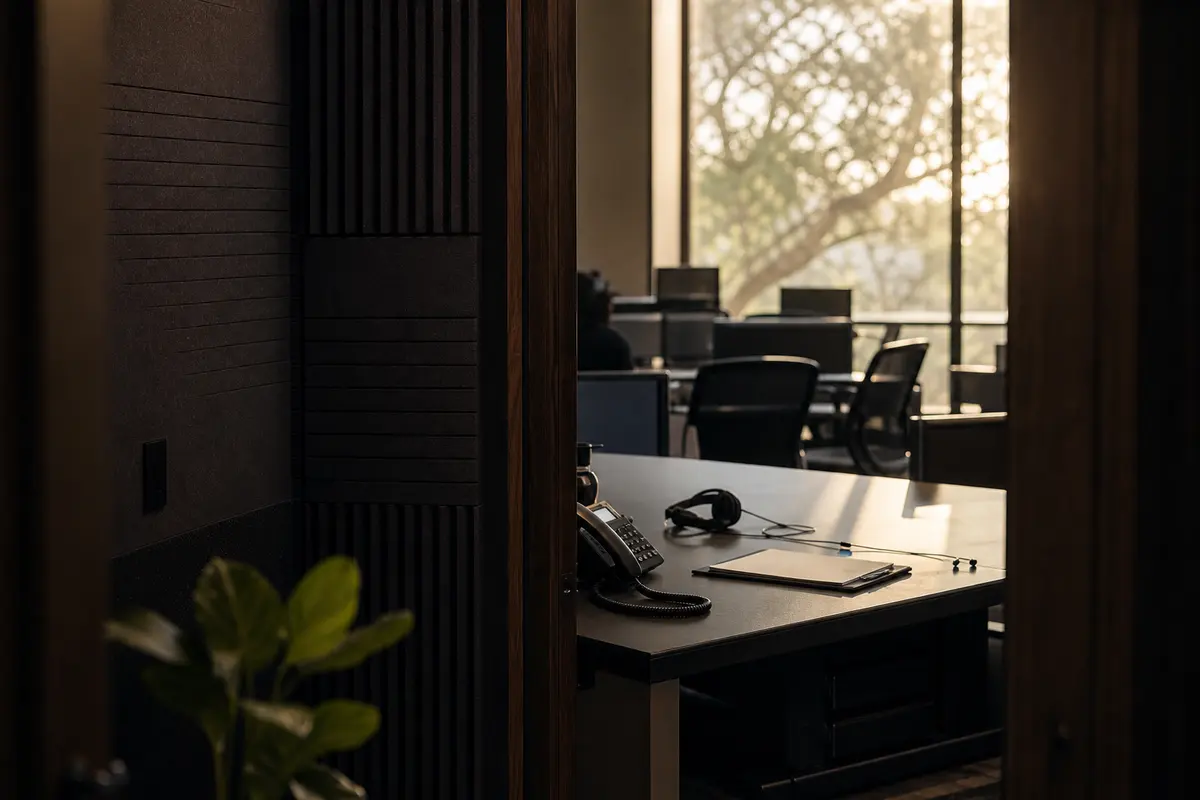
Editorial intake planning scene for Automation in San Francisco, California

Local analysis

A practical Automation review for San Francisco firms

A sound Automation decision has four tests: traceability, control, fit and measurement. Traceability means you can see where an inquiry went. Control means your staff can approve, change or stop the next action. Fit means the workflow reflects your matter types, systems and geographic scope. Measurement means the firm can review defined events without treating population or search visibility as proof of intake performance.

01

1. Map the San Francisco inquiry path before choosing automation

San Francisco city is a municipality in San Francisco County, California. The 2020–2024 ACS five-year estimate records 830,235 residents, but that figure is eligibility context only. It does not establish inquiry volume, legal need, competition, staffing requirements or language preference. Your firm may serve the city, the county, clients elsewhere in California, or a narrower practice area. Those boundaries should be reflected in the intake map. Start with every entry point your firm actually uses: website forms, calls, chat or video intake. Then document what happens after submission, including inbox review, data entry, conflict checks, consultation scheduling, decline notices and escalation. Bosseo describes Automation as a way to map where leads come from, who handles them, which system receives them and what should happen next.

Recommended approach

Bring a matter-type list, current intake forms, response rules and system inventory to the consultation. Ask Bosseo to distinguish the path for a San Francisco inquiry from paths for other service areas, rather than treating every contact as the same lead.

02

2. Connect intake data without creating another manual queue

Bosseo’s public Automation page describes website-to-CRM synchronization, logging and tagging of contact details, case type, source and intake answers. It also describes movement into case-management systems and a zero-double-entry objective. The practical decision is not whether a connection sounds useful; it is whether the fields your firm relies on can move accurately between the systems you already use. A San Francisco firm may receive inquiries whose geographic fit, matter type or urgency must be reviewed before assignment. Those fields should remain visible to the person making that decision. Automation should not erase the distinction between a city inquiry, a county inquiry and a matter outside the firm’s service area.

Recommended approach

Review field ownership and required information for each intake source. Confirm where geographic scope, matter type, source and notes will be stored, how duplicates are treated, and what happens when information is incomplete. Bosseo lists Clio, MyCase, Filevine, PracticePanther, Smokeball, Lawmatics, HighLevel, Zapier and APIs among connection options; confirm your exact stack during the consultation.

03

3. Set routing rules around judgment, urgency and ownership

Routing is useful only when the destination and responsibility are clear. Bosseo describes routing and task assignment, including tasks, deadlines and urgency rules. For a San Francisco practice, routing might depend on whether an inquiry falls within the firm’s stated service area, whether the matter matches a supported practice type, and whether a person must review it immediately. Those are firm decisions, not conclusions that can be drawn from the city’s population. A workflow also needs an exception path: unclear jurisdiction, incomplete contact information, a potential conflict, an existing client or a request that should not receive an automated response.

Recommended approach

Write a routing table in plain language. For every intake category, name the owner, the next task, the deadline, the escalation recipient and the condition that stops automation. Have the firm approve the treatment of sensitive or urgent inquiries before any workflow is adopted.

04

4. Design follow-up that supports—not replaces—your staff

Bosseo describes instant text-back, scheduled email sequences, reminders and follow-up sequences by case type. The page also says sequences can be written for a firm’s voice and that staff can step in manually. That creates a substantive implementation question: which messages are appropriate before a lawyer or trained staff member reviews the inquiry? A response acknowledging receipt is different from advice, a representation decision or a promise about an outcome. Your firm should also decide what stops a sequence when someone replies, books a consultation, asks not to be contacted or is found to be outside the firm’s scope. San Francisco location alone does not justify a particular message, cadence or channel.

Recommended approach

Approve message purpose, sender identity, timing, opt-out handling and stop conditions for each matter type. Keep legal judgment with your firm. Ask Bosseo to show how a staff member can take over a conversation and how the system records that change.

05

5. Treat after-hours handling as a defined operating choice

The Automation page presents a workflow in which a form submission is logged, tagged and followed by a text response outside normal office hours. It also connects Automation with Bosseo’s separate AI Answering and Video Intake offerings. These are described capabilities, not evidence that every inquiry will be suitable for unattended handling. Your firm must decide what an after-hours contact may receive, what information it may submit, and which circumstances require a human response. The decision should account for the firm’s actual coverage and practice rules, not an assumed call volume based on San Francisco’s population.

Recommended approach

Define business hours, after-hours acknowledgments, emergency or urgency language, human escalation and next-business-day ownership. If you are considering AI Answering or Video Intake alongside Automation, evaluate the handoff between those products separately and confirm the exact scope in the consultation.

06

6. Measure handoffs, not just activity

Bosseo describes an ROI Dashboard and Lead Attribution as parts of its broader product ecosystem, and its Automation page identifies operational events such as lead arrival, routing, task assignment, follow-up and consultation booking. Those events can form a useful measurement plan, but they do not establish expected lead volume, signed matters, revenue or conversion rates. Google’s guidance also states that automation does not guarantee crawling, indexing or search visibility; that is relevant when a firm connects operational measurement to separate marketing work. Automation should be evaluated on whether the agreed events are captured clearly enough for staff to find ownership and identify breaks in the path.

Recommended approach

Choose a small set of firm-defined measures: time from inquiry to acknowledgment, time to human review, assignment completion, consultation booking, response or opt-out handling, and the point at which a matter is accepted or declined. Define each measure before implementation and keep marketing rankings separate from intake operations.

Implementation

Prepare for a focused Automation review

Use the consultation to examine your actual handoffs rather than a generic local-market assumption. Bring the information below so the discussion can stay concrete.

  1. 01Step 1: Inventory the live path List every intake source, CRM, case-management platform, calendar, inbox and staff role involved after an inquiry arrives. Include the San Francisco service boundary and any other geographic boundaries the firm actually uses.
  2. 02Step 2: Approve decisions and exceptions Set the rules for matter type, geographic fit, urgency, ownership, incomplete information, conflicts, opt-outs and human escalation. Do not automate a decision the firm has not defined.
  3. 03Step 3: Review the connection scope Ask Bosseo how the firm’s exact systems and fields would connect. Confirm what is direct, what may rely on Zapier or an API, where information is stored, and how staff can intervene.
  4. 04Step 4: Define review measures Agree on event definitions before judging the workflow. Review acknowledgment, assignment, follow-up, consultation booking and exception handling separately from search visibility or marketing performance.

Questions

Automation in San Francisco

What does Bosseo Automation connect?+

Bosseo describes connections among website forms, CRM systems, case-management platforms, follow-up, routing and calendar-booking flows. Its public page lists Clio, MyCase, Filevine, PracticePanther, Smokeball, Lawmatics, HighLevel, Zapier and APIs among connection options. Confirm your exact systems and scope during the consultation.

Will Automation replace our CRM or case-management software?+

Bosseo describes Automation as connecting the systems a firm already uses rather than replacing them. The consultation should confirm which systems remain the system of record and which fields or events will move between them.

Can our staff take over after an automated response?+

Bosseo’s public page says staff can step in manually and that sequences can stop when a lead replies or books. Ask how takeover, stop conditions and ownership will be represented in your specific workflow.

Can we separate San Francisco inquiries from other service areas?+

That is a firm rule to define during planning. San Francisco city is recorded as a municipality in San Francisco County; your firm should decide how city, county, California and other service areas are represented in intake fields and routing.

Does Automation guarantee more leads or signed matters?+

No performance outcome should be assumed. The available information supports reviewing response paths, handoffs, follow-up and measurement; it does not establish demand, lead volume, signed matters or revenue for a San Francisco firm.

How should we evaluate after-hours automation?+

Define what may be acknowledged automatically, which information may be collected, when a human must review the inquiry, and how urgent or unsuitable contacts are escalated. Then confirm whether the proposed workflow matches your staff coverage and firm rules.

Next step

Review your San Francisco intake handoffs with Bosseo

Book a consultation through calendar.bosseo.com to walk through your current inquiry path, systems, routing decisions, follow-up rules and measurement questions. Bosseo can help you determine whether Automation fits the way your firm handles San Francisco inquiries and what should remain under human control.

Book an Automation consultation ↗
Sources and scope