Skip to content

Oceanside / California

Automation for Oceanside law firms.

For a law firm serving Oceanside, an inquiry is only useful when it reaches the right next action. Bosseo Automation is designed to connect website forms, calls, chat or video intake with CRM and case-management workflows. It can log and tag contact details, case type, source and intake answers; route work; trigger follow-up; and support consultation-booking flows. The decision is not whether automation sounds attractive. It is whether your current handoffs are clear enough to improve, which systems must exchange information, and where a human should take over.

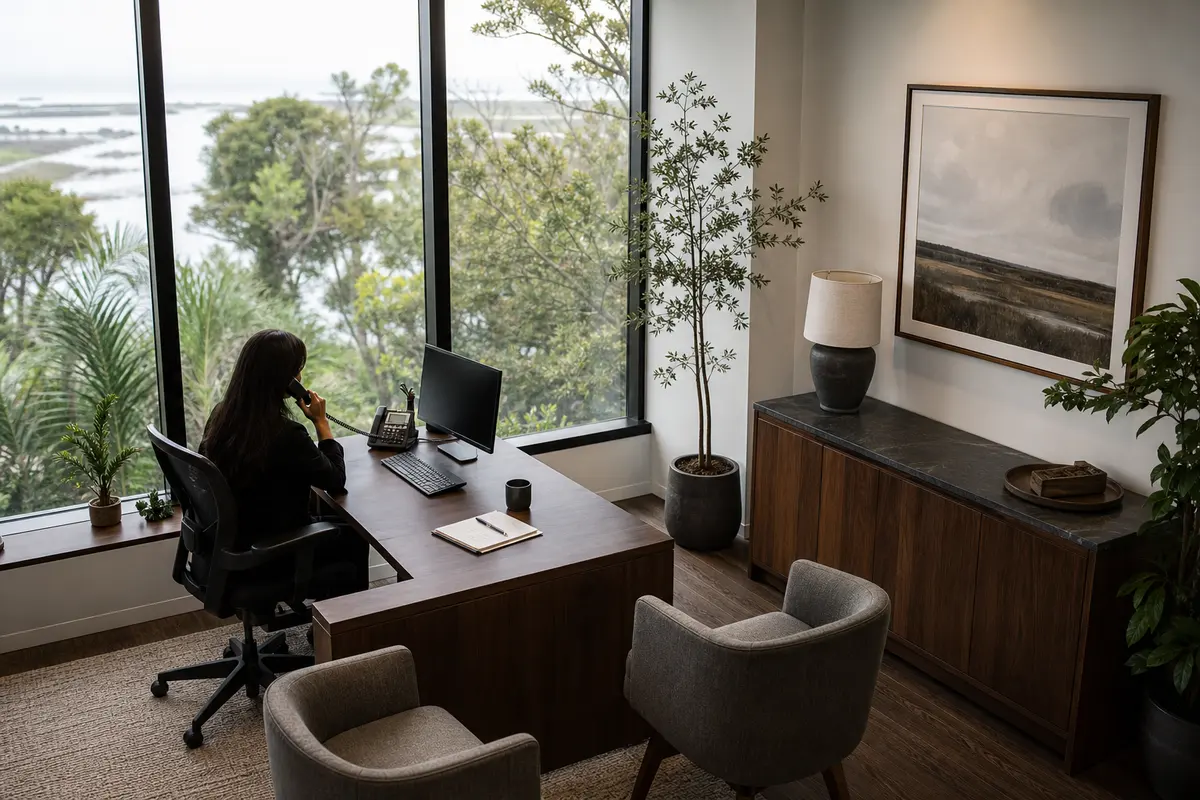
Editorial intake planning scene for Automation in Oceanside, California

Local analysis

Oceanside is a city in San Diego County with a 2020–2024 ACS 5-year population estimate of 172,242, with a margin of error of 131. That establishes the geographic scope for this page, not the number of legal inquiries, cases or staffing needs. Review your firm’s actual intake records and response paths before deciding what to automate.

Use this decision framework to judge fit without turning local population into a business forecast. Oceanside is recorded as a municipality in San Diego County, California, with a 2020–2024 ACS 5-year population estimate of 172,242 and a margin of error of 131. That fact helps define the location served; it does not establish legal need, search activity, competition, language preference, inquiry volume or revenue. The relevant evidence is your firm’s own intake path and the confirmed capabilities of your systems.

01

1. Map the first inquiry to a defined next action

Automation works best when the firm can state what should happen after each type of inquiry. Bosseo describes a flow from captured form, call, chat or video intake to logging and tagging, system synchronization, routing and follow-up. For an Oceanside practice, begin with the inquiries your firm actually receives from people seeking service in Oceanside and elsewhere in San Diego County. Do not use the city’s population as a proxy for inquiry volume. Instead, identify whether each entry should create a task, request more information, offer a consultation, or receive attorney or staff review.

Recommended approach

Bring a recent, representative set of intake paths to a consultation, with personal information removed as appropriate. Decide which next actions are routine, which require judgment, and which should stop automation immediately.

02

2. Choose ownership before connecting systems

A lead can be captured correctly and still stall if nobody owns the next task. Bosseo’s public Automation page describes routing and task assignment, including a recipient, task and deadline. It also describes case-type rules and urgency rules as possible workflow choices. That makes ownership a design decision rather than a matter of assuming that every inquiry belongs with the same person. Your firm should determine who reviews each category, who handles exceptions, and how an uncompleted task is escalated.

Recommended approach

Create an ownership table for your actual practice: inquiry category, responsible role, backup role, response action and escalation decision. Confirm that the proposed routing matches your firm’s supervision and client-intake policies.

03

3. Reduce duplicate entry without replacing familiar tools

Bosseo describes Automation as a connection between a website, CRM and case-management platform. Its public page names Clio, MyCase, Filevine, PracticePanther, Smokeball, Lawmatics, HighLevel, Zapier and APIs among connection options, while stating that the exact stack should be confirmed. The practical question for an Oceanside law firm is not whether it should buy a new system because it serves this city. It is whether information already collected can reach the systems your team uses without avoidable retyping.

Recommended approach

List your current website intake points, CRM, case-management platform, calendar and communication channels. Ask Bosseo to confirm the exact connection path, the fields that can move, the conditions that trigger movement, and the points where staff approval remains necessary.

04

4. Set follow-up around matter type and consent decisions

Bosseo describes follow-up sequences by case type, using email and SMS, with timing and wording tuned with the firm. It also describes an instant text-back and sequences that can stop when a lead replies or books. Those capabilities do not determine what your firm should send. Your team must decide which messages are appropriate, when a conversation should move to a person, and what legal, operational or communication constraints apply.

Recommended approach

Review proposed messages by matter type before activation. Define stop conditions, human handoffs, appointment rules and the records your firm needs to retain. Evaluate the experience from the recipient’s perspective rather than measuring activity alone.

05

5. Design for after-hours and accessibility without guessing at need

Bosseo presents Automation as a way to keep capture, logging and follow-up moving outside normal staff hours. Its public page also connects Automation with Video Intake and AI Answering, but those are separate products and should not be treated as included automatically. Oceanside’s population record does not establish call volume, language preference, accessibility needs or a staffing shortfall. Those questions belong in your firm’s own review of inquiries, missed contacts and service requirements.

Recommended approach

Measure when inquiries arrive, which channels they use, and where people abandon or wait. Then decide whether text, email, call handling, video intake or a human callback should be part of the proposed path. Confirm any accessibility requirements before selecting a channel.

06

6. Measure handoffs, not just activity

Bosseo describes lead attribution and an ROI Dashboard elsewhere in its product ecosystem, and its Automation page describes logging, tagging, routing and consultation-booking flows. Measurement should therefore focus on the path from inquiry to next action: arrival, record creation, assignment, follow-up, response, appointment and any later matter-stage decision your systems can document. Automation does not guarantee crawling, indexing or search visibility, and population does not prove lead or revenue opportunity.

Recommended approach

Agree on the events your firm needs to inspect and the definitions for a successful handoff. Review response timing, incomplete records, unassigned tasks, follow-up stops and booked consultations separately. Use actual firm data to decide whether the workflow is helping.

Implementation

Related service handoffs

Automation is part of Bosseo’s broader law-firm offering. Keep adjacent decisions separate so you can evaluate each one on its own evidence.

  1. 011. Bring the current path Document every entry point used by your firm for Oceanside inquiries, including forms, calls, chat and any video intake already in use. Note where information is stored, who sees it first and how the next task is created.
  2. 022. Decide the boundaries Choose which actions may be automated and which require staff judgment. Specify case-type routing, escalation, communication channels, stop conditions and consultation-booking rules.
  3. 033. Confirm the technical scope Review the exact CRM, case-management, calendar and communication systems with Bosseo. Confirm what can connect directly or through an available connector or API, which fields can move, and what remains manual.
  4. 044. Define review measures Select the handoff events your team will inspect. Separate speed, completeness, ownership, follow-up response and booking so a busy workflow is not mistaken for an effective one.

Questions

Automation in Oceanside

Will Bosseo Automation replace our CRM or case-management software?+

Bosseo describes Automation as connecting the tools your firm already uses rather than replacing them. Confirm the exact systems, connection method and data fields for your firm before deciding on scope.

Which systems can Bosseo connect?+

Bosseo’s public page names Clio, MyCase, Filevine, PracticePanther, Smokeball, Lawmatics, HighLevel, Zapier and APIs among connection options. The page also says the exact stack should be confirmed, so bring your current systems to the consultation.

What can happen when an inquiry arrives outside office hours?+

Bosseo describes capture, logging, tagging, follow-up and task creation as parts of the Automation workflow. The specific after-hours path depends on the channels, messages, rules and systems your firm approves.

Can our staff take over a conversation?+

Bosseo’s public page describes automation as handling logging, routing, reminders and follow-up while people handle judgment. Define the handoff conditions and the responsible person before activating a workflow.

Can follow-up differ by practice area?+

Bosseo describes follow-up sequences by case type, including email and SMS options. Your firm must decide which categories, messages, timing and stop conditions are appropriate and approve them before use.

How should an Oceanside firm evaluate whether Automation is worthwhile?+

Use your own intake records. Review where inquiries arrive, how long assignment takes, whether information is retyped, whether follow-up occurs, and how often consultations are booked. Oceanside’s population estimate is geographic context, not a forecast of demand or results.

Next step

Review your Oceanside intake path with Bosseo

Book a consultation to examine how inquiries move through your firm, which ownership and follow-up decisions are unresolved, and whether your existing systems can support the proposed connections. Bosseo’s public booking destination is calendar.bosseo.com. Bring your actual workflow and system list so the discussion can stay specific to your firm.

Book a Bosseo Automation consultation ↗
Sources and scope