Skip to content

Lake Elsinore / California

Custom Software for Lake Elsinore law firms.

Your firm may not need another general-purpose legal platform. It may need one focused tool for the work that keeps getting repeated: routing an inquiry, collecting documents, updating a client, tracking a referral or moving information between systems. Bosseo Custom Software is designed around the way your firm works, rather than asking your team to reshape its process around an off-the-shelf product.

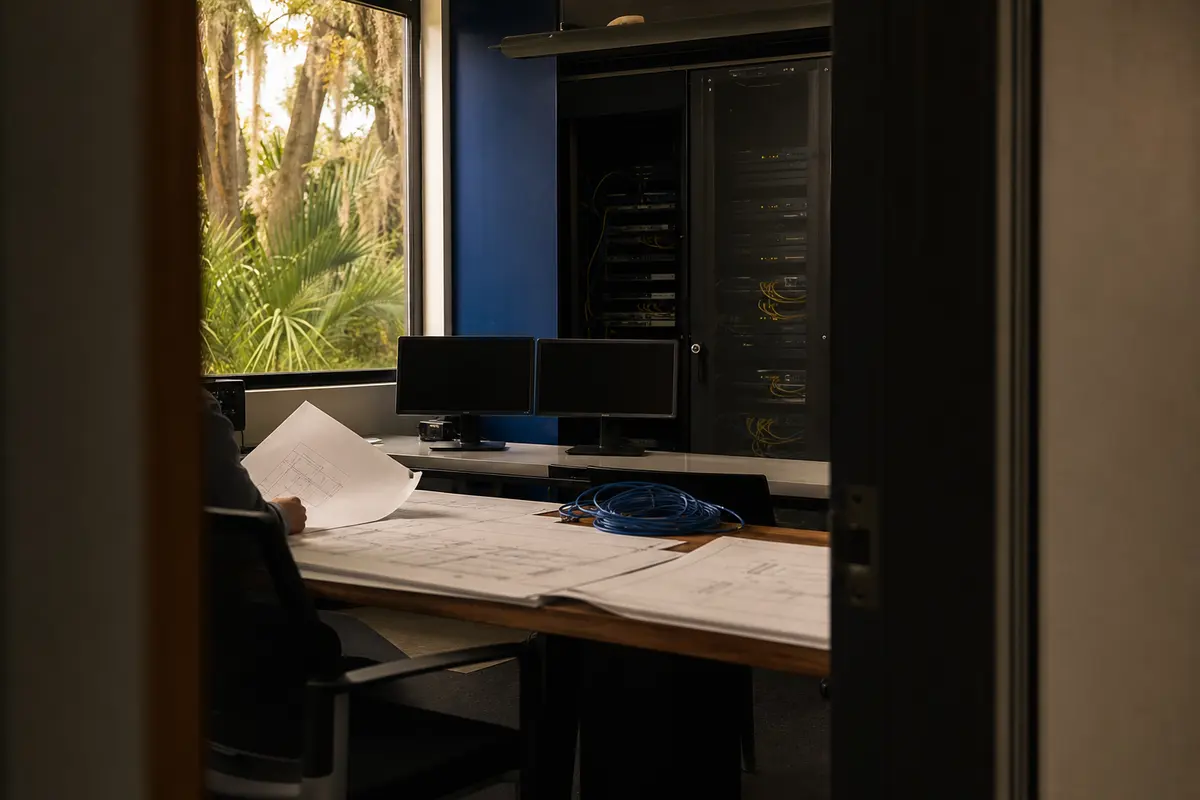
Editorial platform planning scene for Custom Software in Lake Elsinore, California

Local analysis

Lake Elsinore is a city in Riverside County, California. The 2020–2024 ACS five-year population estimate for the city is 72,461, with a margin of error of 68. That geographic fact does not establish demand, competition, lead volume or revenue. It does provide a clear service area for deciding which workflows, users and records a custom tool should support. (census-place)

Use this decision framework to keep the consultation concrete. A custom build deserves consideration when the workflow is recurring, the handoffs are understood, the users can be identified and the firm can test what “correct” means. Pause when the problem is still vague, the necessary data is unavailable, permissions are unresolved or an existing product already matches the requirement.

01

Start with the firm’s actual bottleneck

Custom software is most useful when a recurring operational problem is specific enough to describe but poorly served by a generic product. Begin with the task itself: who performs it, what information they need, where the work pauses, and what gets entered more than once. For a Lake Elsinore firm, keep the scope tied to the people and matters the firm actually serves in Riverside County rather than treating the entire county as one uniform workflow. A population estimate is not evidence that a particular practice area needs software; the firm’s own process is the relevant starting point.

Recommended approach

Bring one manual task to the consultation. A useful description might be, “Our staff re-enters consultation information,” or, “Clients repeatedly ask for the next case step.” Bosseo says it can build client portals, intake tools, internal dashboards and other tools around a firm’s workflow. The consultation should determine whether custom software is appropriate at all.

02

Define the data before defining the screen

A polished interface cannot repair unclear data. Before approving a build, identify the records the tool will create or update, the required fields, acceptable values, ownership of each record and the events that change its status. A referral tracker, for example, may require different definitions from a client status portal. The firm should also decide whether Lake Elsinore matters are handled differently from matters elsewhere in Riverside County, and whether location is necessary data or merely a reporting label.

Recommended approach

Ask Bosseo to turn the workflow into an agreed data definition and acceptance criteria. Review which fields are mandatory, which users may edit them, how duplicates are handled and what the firm considers a complete transaction. Do not approve an integration until the systems, permissions and direction of data movement are identified.

03

Treat permissions and recovery as part of the product

Law-firm software can expose sensitive matter information if access is broader than the job requires. A custom build should therefore be evaluated by role: who may view a record, who may change it, who may export it and who can administer the tool. Recovery also needs a clear conversation. Bosseo’s public page says its custom tools are hosted and maintained on dedicated servers and describes monitored, backed-up infrastructure. The page does not provide a specific recovery objective or uptime level, so those details should be confirmed rather than assumed.

Recommended approach

Request a permissions map and a plain-language explanation of backup, restoration, maintenance and access practices. Ask what happens when a staff member changes role, leaves the firm or needs access removed. Record the answers in the scope before relying on the tool for a critical process.

04

Examine connections instead of assuming them

A custom tool is valuable only if it reduces work rather than creating another disconnected login. Bosseo describes software that can connect with a firm’s website, intake and dashboard, and its public page discusses connections with CRM, case-management and marketing systems. That description does not identify every supported platform or guarantee a particular connection for your firm. The practical question is whether the proposed data flow is reliable, permissioned and maintainable.

Recommended approach

List the systems your Lake Elsinore office uses today, the information exchanged between them and the staff member currently responsible for each handoff. Ask Bosseo to confirm which connections are feasible, what access is required and how failed transfers are identified. If a connection cannot be confirmed, treat it as an item for review, not a promised feature.

05

Use acceptance criteria that staff can test

“Works” should mean more than a tool appearing in a browser. Acceptance criteria should describe the actions a user takes and the result the firm expects. For an intake tool, that may include creating a record, assigning responsibility, restricting access and showing the next action. For a status portal, it may include displaying approved information without exposing internal notes. The firm should test these cases with the roles that will use the tool, including staff who handle Riverside County matters and any work outside Lake Elsinore.

Recommended approach

Agree on representative scenarios before launch: a new inquiry, an incomplete submission, a changed status, a duplicate record, a removed user and a failed handoff. Ask who approves the result and what evidence counts as passing. Bosseo says its team shows a working version early and refines it with feedback; use that review to test the agreed scenarios rather than adding unfocused features.

06

Plan ownership after the first release

Custom software changes as the firm changes. Staff roles, intake questions, matter stages and reporting needs may evolve. Bosseo says it hosts, maintains and updates the tools it builds, and that iteration after launch is part of the practice. The public page does not state every maintenance term or service level, so the firm should clarify what is included, how requests are handled and how changes are approved.

Recommended approach

Define the owner on both sides: the person at the firm who approves workflow changes and the Bosseo contact responsible for maintaining the tool. Ask how fixes, adjustments, onboarding and future scope are distinguished. Keep a current description of the workflow so a change does not silently alter permissions or reporting.

Implementation

Prepare for a Custom Software consultation

The most useful preparation is operational, not technical. Bring one real bottleneck and enough detail to distinguish a necessary tool from an attractive extra.

  1. 011. Describe the work in plain language Bring the task that consumes attention or creates re-entry. Note who performs it, how often the firm encounters it and which step is most difficult to control. You do not need to prepare a technical requirements document for the initial discussion; Bosseo says the team can ask questions and shape the scope from the bottleneck.
  2. 022. Map records, users and connections Name the systems involved, the records that should be created or changed and the roles that need access. Separate confirmed requirements from open questions. A firm serving Lake Elsinore and other Riverside County communities should decide whether geographic fields support an actual operational decision or merely add clutter.
  3. 033. Review the working version against acceptance criteria Use concrete scenarios to assess the proposed tool. Check permissions, incomplete information, duplicate records, failed handoffs and changes in responsibility. Ask for clarification on hosting, backups, maintenance and any integration that has not been confirmed.
  4. 044. Decide on scope and ownership Approve only the workflow the firm can test and own. Confirm the investment, responsibilities, onboarding, maintenance and process for later changes during the consultation. If a good existing product already fits the problem, custom software may not be necessary.

Questions

Custom Software in Lake Elsinore

What can Bosseo Custom Software build for a law firm?+

Bosseo’s public page describes client portals, intake tools, internal dashboards, referral trackers, document-intake flows, calculators and connections between existing systems. The appropriate build depends on your firm’s workflow and must be scoped.

Do we need a technical specification before speaking with Bosseo?+

Bosseo says describing the operational annoyance in plain language is enough to begin. You should still be ready to explain the users, records, systems and desired outcome so the proposed scope can be evaluated.

Can the tool connect with our existing systems?+

Bosseo describes connections with websites, intake, dashboards, CRM, case-management and marketing systems. Specific platforms, permissions and data flows are not identified on the public page, so ask for confirmation for your stack.

How will access to matter information be handled?+

Access should be defined by role and record type during scoping. Ask Bosseo to explain the proposed permission model, administration, user removal and export controls before approving the build.

Where is the software hosted and who maintains it?+

Bosseo states that its custom tools run on dedicated servers and are hosted and maintained by its team. Confirm the applicable monitoring, backup, security, maintenance and recovery terms for your proposed tool.

How do we know whether custom software is worth pursuing?+

Compare the cost and risk of the current manual process with the cost, scope and operating responsibilities of a focused build. If an off-the-shelf product genuinely fits, buying it may be preferable. A consultation can help determine whether the bottleneck merits custom work.

Next step

Bring the bottleneck from your Lake Elsinore firm

Book a consultation with Bosseo to describe the manual process, review whether custom software fits, and discuss data definitions, permissions, recovery, integrations and acceptance criteria. Bosseo’s booking destination is calendar.bosseo.com.

Book a Custom Software consultation ↗
Sources and scope