Skip to content

Mesa / Arizona

Automation for Mesa law firms.

A new inquiry can arrive through a website form, call, chat or video intake. The operational question is what happens next: where the information is recorded, who owns it, how follow-up begins and when the matter is ready for your team. Bosseo Automation is designed to connect those steps so information can move from first inquiry toward a workable matter without repeated entry between systems.

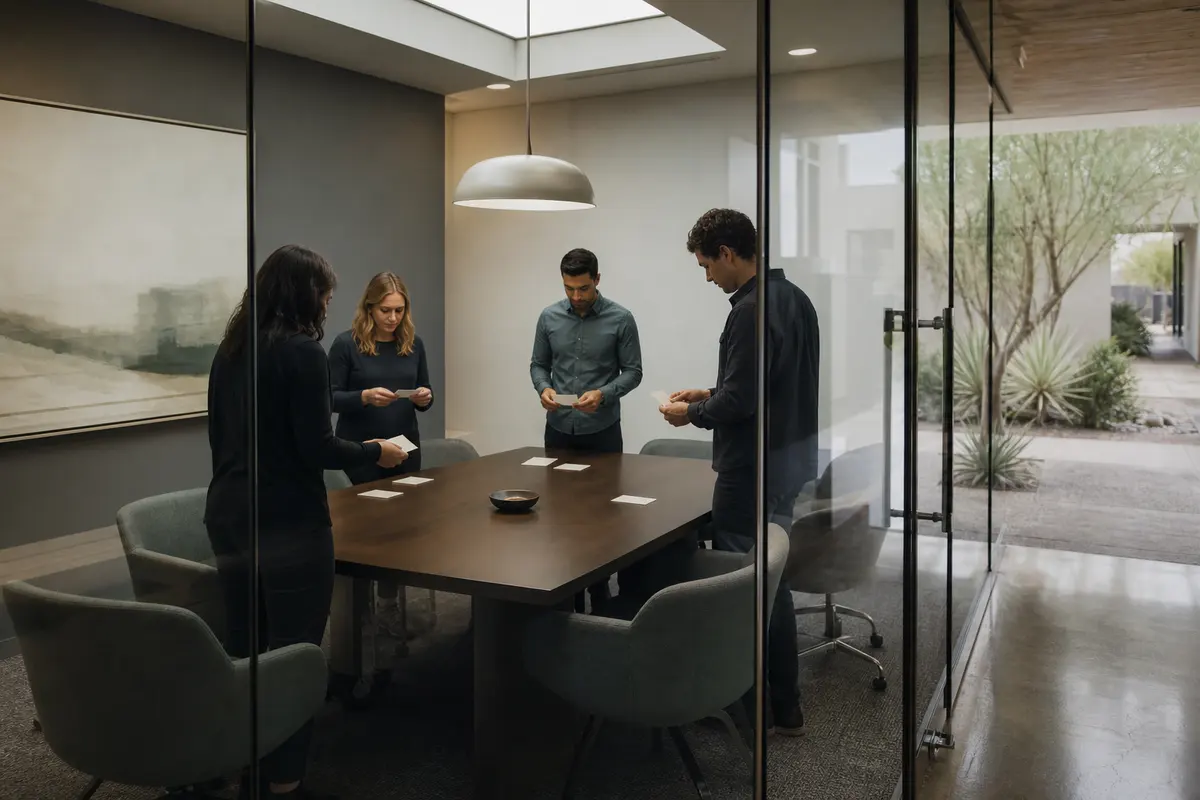
Editorial intake planning scene for Automation in Mesa, Arizona

Local analysis

Mesa is a municipality in Maricopa County with a 2020–2024 ACS 5-year population estimate of 511,764, with a margin of error of 110. That geographic fact can help define the market you serve, but it does not establish inquiry volume, staffing needs, language preferences, legal demand or likely revenue. Evaluate automation from your actual intake path, systems and response responsibilities.

Use this decision framework before approving an automation scope. A sound choice connects a real intake problem to a defined next action, identifies the responsible person, confirms the systems involved and creates a way to review exceptions. Mesa’s 2020–2024 ACS population estimate provides geographic context only; it does not answer any operational question.

01

Start with the handoffs your Mesa firm actually uses

Bosseo describes Automation as a connection between website forms, intake, CRM and case-management systems. Its published workflow covers capturing an inquiry, logging and tagging contact details, case type and intake answers, syncing information into connected systems, and making it ready for work. For a firm serving Mesa in Maricopa County, the useful local question is not how many residents might need counsel. It is which inquiries from your defined service area enter your operation and where those inquiries wait.

Recommended approach

Map every current path into your firm, including forms, calls, chat and video intake. Identify the first system that receives each inquiry, the person responsible for the next action and the point at which a consultation or matter becomes ready for work.

02

Make ownership and urgency explicit

Bosseo’s public Automation page describes routing, task assignment, deadlines and urgency rules. Those controls matter when different inquiry types require different owners or response paths. Mesa’s relationship to Maricopa County may be relevant to your service-area definitions, but population does not tell you which matter types arrive, how quickly they require attention or whether your team has capacity. Those decisions belong in your intake design.

Recommended approach

Define ownership by matter type, source and urgency. Write down what should happen for an ordinary inquiry, an inquiry requiring prompt attention and an inquiry that needs human review before any automated action. Confirm who can change or override each assignment.

03

Connect the systems you already rely on

Bosseo states that Automation is intended to connect existing CRM and case-management tools rather than replace them. Its public page names Clio, MyCase, Filevine, PracticePanther, Smokeball, Lawmatics, HighLevel, Zapier and APIs, while also saying the exact stack should be confirmed. This makes your current software and permitted data paths central to the evaluation.

Recommended approach

Bring the names of your website, CRM, case-management platform, calendar and intake tools to the consultation. Ask which connections are direct, which depend on Zapier or an API, what fields can move between systems and what happens when a connection cannot be confirmed.

04

Design follow-up without losing judgment

Bosseo describes instant text-back, scheduled email sequences and follow-up sequences by case type. It also says staff can step in manually and that sequences can stop when a lead replies or books. Automation should support communication rules you approve; it should not be treated as a substitute for legal judgment, conflict procedures or a decision about whether your firm can accept a matter.

Recommended approach

Review message timing, wording, channels, stop conditions and escalation points for each intended use. Decide which communications are acknowledgments, which invite scheduling and which require a person to review the inquiry first.

05

Treat accessibility as an operational requirement

A connected intake path may involve forms, calls, chat, video intake, text and email. Bosseo’s published description addresses those channels, but it does not establish that every accessibility need, language requirement or accommodation is supported. Mesa’s population estimate does not prove language preference or accessibility demand.

Recommended approach

List the ways a prospective client can contact your firm and test each path for clarity, human escalation and practical accessibility. Ask Bosseo to confirm what is supported for your selected channels instead of assuming that a population statistic answers the question.

06

Measure the path from inquiry to next action

Bosseo says its Automation connects with attribution and an ROI Dashboard, and its public page describes logging events such as arrival, routing, follow-up and consultation booking. The published material does not establish your future conversion rate, lead volume, case value or return. Google also states that automation does not guarantee crawling, indexing or search visibility; those search concerns are separate from operational measurement.

Recommended approach

Agree on the events that matter to your firm: receipt, ownership, first response, follow-up, booking, human review and matter handoff. Compare records across the connected systems and define who reviews exceptions. Do not use Mesa’s population as a proxy for any of those operating measures.

Implementation

What to bring to a Bosseo consultation

A useful conversation starts with your actual intake path, not a population assumption. Bring the systems and rules that shape the next action for an inquiry.

  1. 011. Inventory the current path List every intake channel used by your Mesa practice and the systems involved after submission or contact. Record where duplicates, missing fields, delayed notifications and unassigned tasks appear. Keep the geographic scope precise: Mesa and any other communities your firm deliberately serves in Maricopa County or elsewhere.
  2. 022. Set the decision rules Choose the information that determines routing, urgency, follow-up, calendar access and human escalation. Separate administrative acknowledgments from decisions that require qualified staff. Confirm what should happen when information is incomplete, duplicated or outside your firm’s stated service scope.
  3. 033. Confirm technical scope Ask Bosseo to review your actual software and the available connection method. Confirm the fields, permissions, destinations, calendars and exception handling before approving an implementation plan. Bosseo’s public page says it connects named legal platforms and other systems through direct connections, Zapier and APIs, but your exact stack still needs confirmation.
  4. 044. Define review and measurement Decide who checks routing, failed handoffs, follow-up status and booked consultations. Establish the events your team will compare across systems and the period used for review. Keep operational results separate from search visibility: automation does not guarantee crawling, indexing or rankings.

Questions

Automation in Mesa

Will Automation replace our CRM or case-management software?+

Bosseo’s public description says Automation is intended to connect the systems your team already uses rather than replace them. Confirm your specific platforms, permissions and connection method during the consultation.

Which systems can Bosseo connect?+

Bosseo publicly names Clio, MyCase, Filevine, PracticePanther, Smokeball, Lawmatics, HighLevel, Zapier and APIs, and says other platforms should be confirmed. Ask about your exact stack and the fields that need to move.

Can our staff take over after an automated message?+

Bosseo’s public page says staff can step in manually and that follow-up can stop when an inquiry replies or books. Define your own escalation and stop rules before any workflow is approved.

What can happen when an inquiry arrives outside office hours?+

Bosseo describes capture, logging, tagging, routing and follow-up as automated steps, including instant text-back and calendar-booking flows. Whether those steps apply to your firm depends on the channels, systems, rules and messages confirmed for your scope.

Can follow-up differ by legal matter?+

Bosseo says follow-up sequences can be written for a firm and its case types. Review the wording, timing, channel, approval process and human-review triggers for each matter type you intend to include.

How should we evaluate success?+

Measure the operational events you control, such as receipt, ownership, response, follow-up, booking and handoff. Do not infer demand, leads, cases or revenue from Mesa’s population estimate, and do not treat automation as a guarantee of search visibility.

Next step

Review your Mesa intake path with Bosseo

Book a consultation to examine how an inquiry moves through your firm, which systems should connect and where ownership or follow-up needs a defined next action. Bosseo’s booking destination is calendar.bosseo.com. Bring your actual software, channels and workflow decisions so the discussion stays specific to your practice.

Book a Bosseo consultation ↗
Sources and scope