Skip to content

Corona de Tucson / Arizona

Automation for Corona de Tucson law firms.

A legal inquiry is not finished when a form, call, chat or video intake arrives. Someone still needs to record it, identify the matter type, assign ownership, respond, follow up and move the information into the next system. Bosseo Automation is designed to connect those actions so your firm can evaluate the path from first inquiry to ready-to-work file without relying on repeated copying between tools.

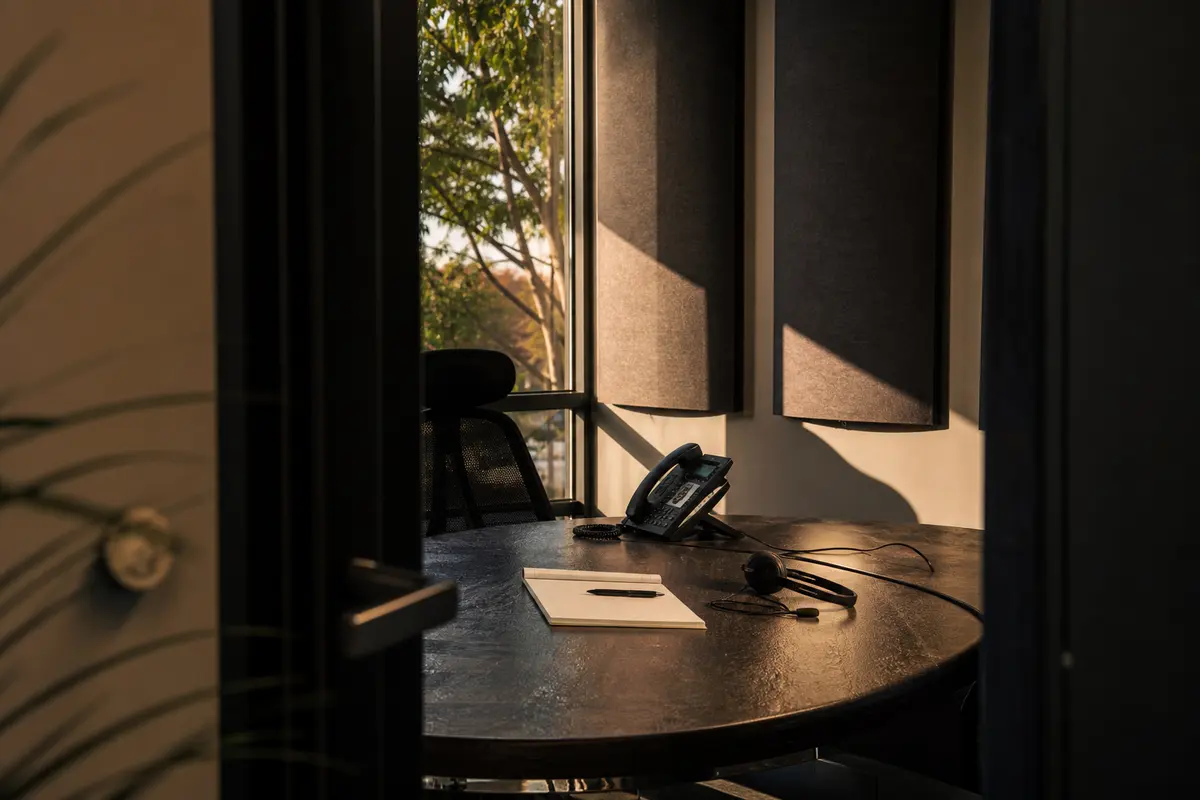
Editorial intake planning scene for Automation in Corona de Tucson, Arizona

Local analysis

For a law firm serving Corona de Tucson, the useful question is not whether automation sounds attractive. It is whether your current intake path clearly assigns ownership, preserves the inquiry, handles after-hours contact, supports appropriate follow-up and makes the next action measurable. Bosseo can review that path and discuss how its law-firm automation service may connect your existing intake, CRM, case-management and calendar workflows.

Use this decision framework to judge fit on operating evidence rather than broad promises. A useful review asks whether the proposed path preserves information, assigns responsibility, supports an appropriate human response and produces measurements your firm can interpret.

01

Start with the geographic relationship, not a demand assumption

Corona de Tucson is recorded as a census-designated place in Pima County, Arizona. The 2020–2024 American Community Survey 5-year estimate records 9,566 residents, with a margin of error of 770. That is context for defining the service area; it does not establish legal demand, inquiry volume, language preference, competition or staffing requirements. For automation, the practical decision is to identify which inquiries your firm accepts from Corona de Tucson and where those inquiries should go next. Your review should distinguish Corona de Tucson matters from inquiries associated with other places your firm serves, rather than treating every contact as one undifferentiated queue.

Recommended approach

Document the geographic labels your intake team uses, the matter types accepted from Corona de Tucson, and the person or team responsible for each next action. Use actual firm records to decide routing rules; do not derive them from population alone.

02

Map the first handoff from inquiry to record

Bosseo describes Automation as a connection between website inquiries, a CRM and case-management systems. Its public product page identifies form, call, chat and video intake as possible entry points, with contact details, case type, source and intake answers carried into the workflow. This matters when a Corona de Tucson inquiry begins in one place but requires work in another. A handoff review should show whether the original information remains attached, whether the inquiry is logged once, and whether the responsible person receives a clear task.

Recommended approach

Bring your actual intake paths to the consultation: website forms, phone handling, chat or video intake where applicable, the CRM, case-management platform and calendar. Ask Bosseo to identify which connections are supported for your specific systems and which points require confirmation.

03

Set ownership and escalation before adding speed

Automation can route inquiries, assign tasks and apply urgency rules according to Bosseo’s public description. Those rules are not a substitute for your firm’s judgment. A Corona de Tucson inquiry may need a different owner because of matter type, geographic fit, urgency or the information available. The population estimate for the CDP cannot tell you how many contacts will arrive or when staff coverage is needed, so staffing and escalation choices must come from your own operating requirements.

Recommended approach

Define who owns each accepted matter type, what happens when required information is missing, when a human must intervene and what happens if the assigned person does not act. Review after-hours ownership separately from ordinary business-hour handling.

04

Review follow-up for consent, tone and stopping rules

Bosseo describes instant text-back, scheduled email sequences and follow-up by case type. The public page also states that sequences can be written for a firm and adjusted with the firm. That makes message governance part of the buying decision. A sequence should identify the firm, reflect the approved intake language, avoid implying legal advice where none has been provided and stop or hand off when the person replies or books, according to your chosen operating rules.

Recommended approach

Ask to review the proposed channels, timing, message ownership and stopping conditions before approving follow-up. Decide which responses require a staff member and how your firm will handle a person who asks for legal advice, supplies sensitive information or requests no further contact.

05

Make accessibility and human judgment explicit

A connected workflow can reduce repeated data entry, but it does not remove the need for a human path. Bosseo’s public description presents automation as handling logging, routing, reminders and follow-up while staff handle judgment. For people contacting a firm about a legal problem in or around Corona de Tucson, the intake experience should make the next step understandable and provide a way to reach the firm when automated handling is not appropriate. No local population fact establishes a particular accessibility or language need.

Recommended approach

Review form usability, call escalation, readable instructions, alternate contact options and the point at which a person takes over. Base accessibility decisions on your clients, obligations and observed intake issues—not on assumptions about the community.

06

Measure the path without confusing activity with results

Bosseo describes logging the lead journey and offers separate attribution and ROI Dashboard products on its public page. Automation measurement should begin with operational questions: when an inquiry arrived, whether it was recorded, who received it, whether a response was sent, whether a task was completed and whether a consultation was booked. Those events do not by themselves prove a signed matter, revenue, ranking or demand. Google states that automation does not guarantee crawling, indexing or search visibility; any search result observation should therefore be treated separately from intake operations.

Recommended approach

Agree on the events your firm can reliably measure and the definitions for response, qualified inquiry, consultation and retained matter. Ask which measurements belong to Automation and which require Bosseo’s separate attribution or dashboard services.

Implementation

What to bring to a Bosseo Automation consultation

The consultation is more useful when you can describe the current path and the decisions you want automation to support. Bring the systems, rules and examples that reflect your real intake operation.

  1. 011. Bring the real operating picture List every current entry point, inbox, CRM, case-management platform, calendar and manual re-entry step. Include how your team identifies the service area and matter type. Do not rely on a population estimate to predict the number or nature of inquiries.
  2. 022. Decide the rules humans own Choose the owner for each matter type, escalation condition, after-hours response, approval requirement and stopping rule. Bosseo can discuss how those decisions may be represented in an automated path.
  3. 033. Confirm the exact connections Ask which parts of your stack can connect directly and which may require another method. Bosseo’s public page names Clio, MyCase, Filevine, PracticePanther, Smokeball, Lawmatics, HighLevel, Zapier and APIs, while also stating that the exact stack should be confirmed on the call.
  4. 044. Define measurement and review Set operational definitions before evaluating performance. Separate response and routing events from consultations, retained matters, revenue and search visibility. Review the workflow when your systems, matter types or intake rules change.

Questions

Automation in Corona de Tucson

Will Bosseo replace our CRM or case-management platform?+

Bosseo describes Automation as connecting the systems your firm already uses rather than replacing them. Confirm the exact connection and data path for your platforms during the consultation.

Can Automation handle an inquiry outside ordinary staff hours?+

Bosseo describes automated capture, logging, tagging, follow-up and task creation. Your firm still needs to decide the approved message, escalation path and human response for after-hours inquiries.

Which legal technology systems can be connected?+

Bosseo’s public page names Clio, MyCase, Filevine, PracticePanther, Smokeball, Lawmatics, HighLevel, Zapier and APIs. Availability depends on your exact system and configuration, so it should be confirmed before a decision.

Can follow-up differ by matter type?+

Bosseo describes follow-up sequences by case type and says wording, timing and channel can be tuned with the firm. You should approve the content, permissions, stopping rules and human handoff points.

Does automation decide whether the firm should accept a case?+

No such decision should be assumed. Automation can support capture, routing, tasks and follow-up; your firm must define qualification, legal judgment, conflicts handling and acceptance decisions.

Will automation guarantee search visibility or new matters in Corona de Tucson?+

No. Automation does not guarantee crawling, indexing, search visibility, inquiries, signed matters or revenue. Google states that automated content and processes still require original value, accuracy and relevance, and visibility is not guaranteed.

Next step

Review the path from Corona de Tucson inquiry to next action

Book a Bosseo consultation to examine your current intake handoffs, ownership rules, follow-up choices, system connections and measurement questions. The discussion can help you decide whether Automation fits the way your firm serves Corona de Tucson and Pima County. Schedule through Bosseo’s booking destination at calendar.bosseo.com.

Book a Bosseo Automation consultation ↗
Sources and scope